1
6-7. Infrared Communication
Transfer Items Using Infrared
Using infrared (IR), you can send and receive information, such as contacts and appointments, between
two Windows-powered Pocket PCs.
To send information
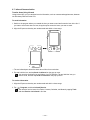
1. Switch to the program where you created the item you want to send and locate the item in the list. If
you want to send more than one item, drag the stylus across the items you want to send.
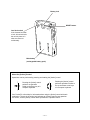
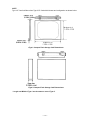
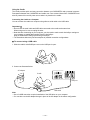
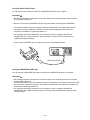
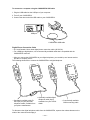
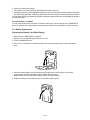
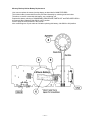
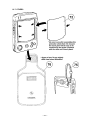
2. Align the IR ports so that they are unobstructed and within a close range.
• The two infrared ports should be within about 30cm from each other.
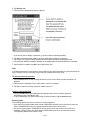
3. Tap and hold the item, and tap Send via Infrared on the pop-up menu.
You can also send items, but not folders, from File Explorer. Tap and hold the item you
want to send, and then tap Send via Infrared on the pop-up menu.
To receive information
1. Align the IR ports so that they are unobstructed and within a close range.
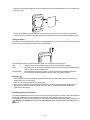
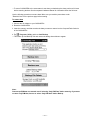
2. Tap
, Programs, and then Infrared Receive.
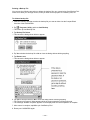
You can also receive items from Tasks, Contacts, Calendar, and Notes by tapping Tools
and then Receive via Infrared in list view.
— 40 —