1
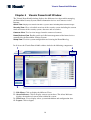
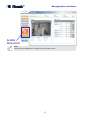
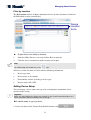
Visonic PowerLink2 Window
Quick View
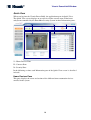
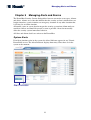
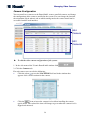
When you log into the Visonic PowerLink2, the application opens in Quick View.
The Quick View screen displays an overall view of the current status of the house
subsystems controlled by the PowerMax Security System in three Information panes:
1
2
3
1 – Home Devices Pane
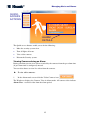
2 – Cameras Pane
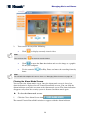
3 – Security Pane
In the following sections each Information pane of the Quick View screen is described
in detail.
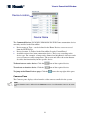
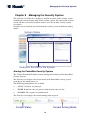
Home Devices Pane
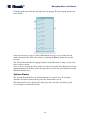
This pane displays the status and actions of the different home automation devices
enrolled in the system.
20