1
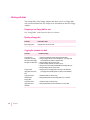
Setting the direction of the link
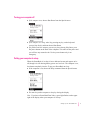
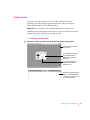
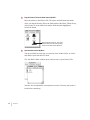
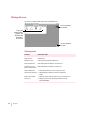
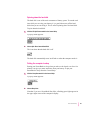
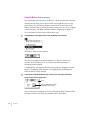
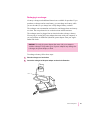
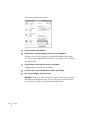
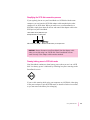
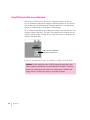
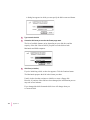
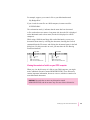
Notice the arrow between the two linked files; this is how you can tell the
direction in which the files are linked. Normally the PowerBook File
Assistant synchronizes files in both directions, but you can set the direction to
be one way, from either left to right or right to left.
A one-way link is helpful if you want to receive updated versions of a
document from a file server on a network.
1
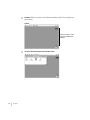
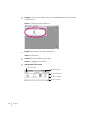
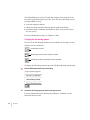
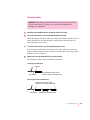
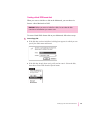
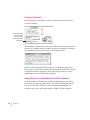
Click the pair of linked files to select it.
Click the item selection box for either file or folder in the pair.
2
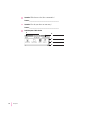
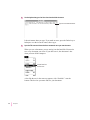
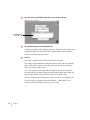
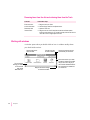
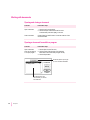
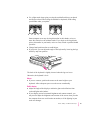
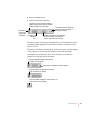
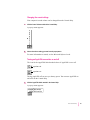
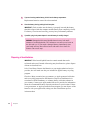
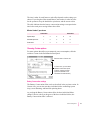
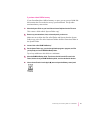
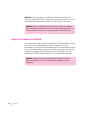
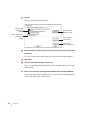
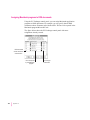
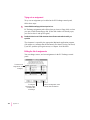
Choose the direction you want from the Synchronize menu.
Choose two-way
synchronization to
update either file when
the corresponding file
in the pair changes.
Choose one-way synchronization to update a
file on your hard disk from a network server.
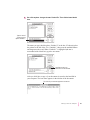
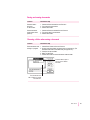
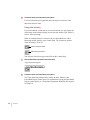
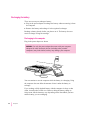
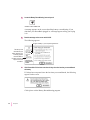
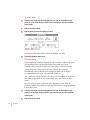
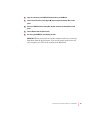
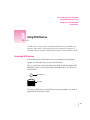
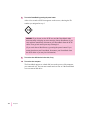
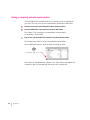
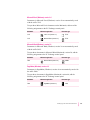
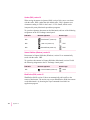
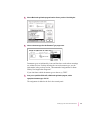
The direction of the arrow between the two linked files in the Setup window
changes to reflect your choice.
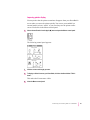
The arrow changes to indicate the direction of the link.
138
Appendix B