1
Software Setup
Your MobilePre USB comes with driver software that allows it to
communicate with your computer’s operating system: Windows or Mac
OS. Please skip to your computer’s operating system in this section and
follow those instructions.
IMPORTANT NOTE: Your MobilePre USB provides a USB connector
which accepts the standard USB cable supplied with the unit. You
should install the software drivers, as described below, BEFORE
connecting the MobilePre USB to your computer. After installing the
included drivers, plug the “computer end” of the cable into your
computer’s USB port. When you are asked to connect your MobilePre
USB during the driver software installation, simply plug the “device
end” of the USB cable into your MobilePre USB (the “computer end”
and “device end” will be easily identifiable by their size and shape).
Windows XP
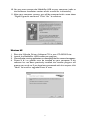
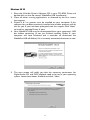
1. Place the M-Audio Drivers Software CD in your CD-ROM Drive.
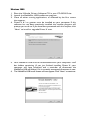
2. Launch the MobilePre USB Installer.exe installation program.
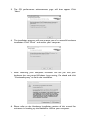
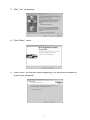
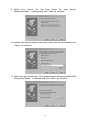
3. The MobilePre USB install screen will appear. Click “Next” to continue.
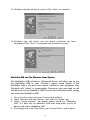
4. Click “Continue Anyway” on the next screen.
5