1
MobileGo!
System Startup
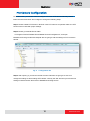
How to connect to Mobile Server?
Mobile Server doesn‟t support IE, so please use MPEG-codec-enabled browsers to
manipulate the service.
Given a NVR server address 220.228.146.21 and HTTP port 8080, you will have to use the
address http://220.228.146.21:8080/m/ to connect to the Mobile Server from your browser.
There is a demo of Mobile Server. You may try it before you have your own Mobile Server.
Please use your safari browser and connect to http://mobile.acti.com/m/ with user
name/password guest/guest.
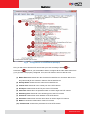
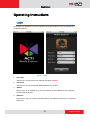
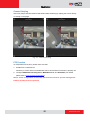
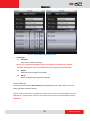
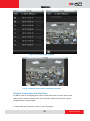
Fig. 7
Browser based
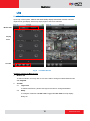
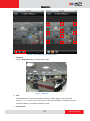
How to connect to MobileGo! ?
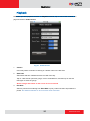
If MobileGo! is installed in your iPhone, iPod Touch, or iPad, please log in NVR IP
mobile.acti.com, port 80 with user name/password guest/guest.
14
www.acti.com