1
M800Mini.book Page 67 Wednesday, March 4, 2009 6:41 PM
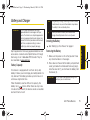
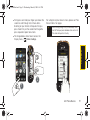
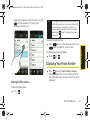
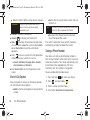
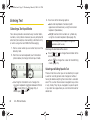
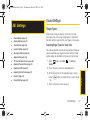
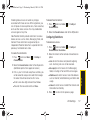
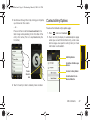
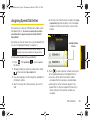
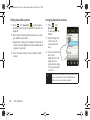
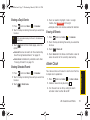
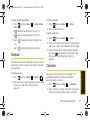
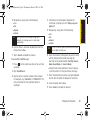
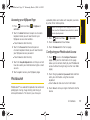
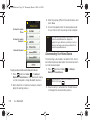
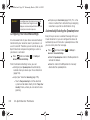
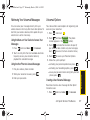
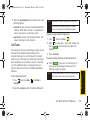
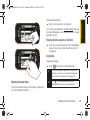
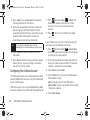
To delete an entry from the Speed Dial list:
. The Speed Dial (
by default.
2. Touch
.
3. Touch
next to those entries you wish to delete.
Selected history entries are then deleted from the
list.
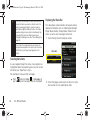
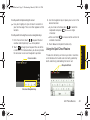
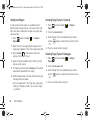
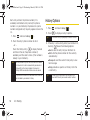
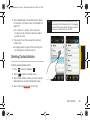
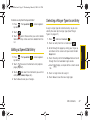
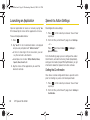
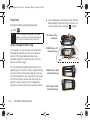
Editing a Speed Dial Entry
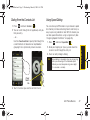
1. Press
. The Speed Dial (
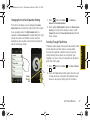
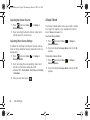
Selecting a Ringer Type for an Entry
) screen appears
) screen appears
by default.
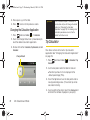
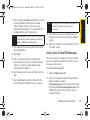
2. Touch
to access the Contacts entry options
page (page 61).
3. Touch
and select the information you wish to
edit (Name, Number, Ringer, etc.).
4. Touch Done to save your changes.
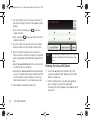
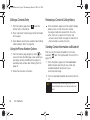
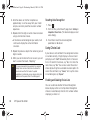
Assign a ringer type to a Contacts entry so you can
identify the caller by the ringer type. (See “Ringer
Types” on page 37.)
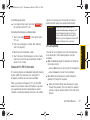
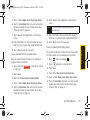
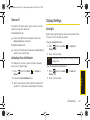
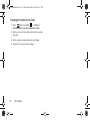
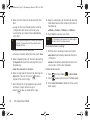
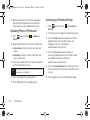
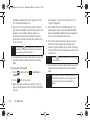
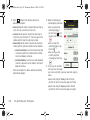
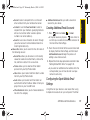
1. Press
and touch Contacts (
).
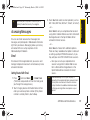
2. Touch an entry from the list and touch
.
3. Scroll through the page by sliding your finger up
and down on the screen until you locate the Set
Ringer field.
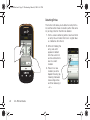
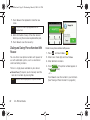
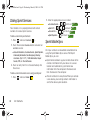
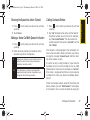
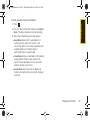
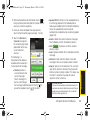
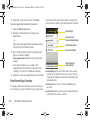
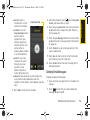
4. Touch the entry within the Set Ringer field and scroll
through the list of available ringer sounds.
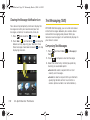
Touch
to play a sample of the current sound
file.
䡲
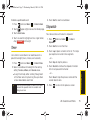
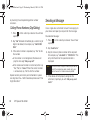
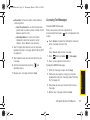
5. Touch a ringer name to assign it.
6. Touch Done to save the new ringer type.
2D. Contacts
67
Contacts
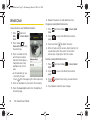
1. Press