1
FACILITY DESCRIPTION
Uppgjord/Prepared
Faktaansvarig - Subject responsible
SEA/EBBMP M.Plattner
SEA/EBBX/E
Dokansv/Godkänd - Doc respons/Approved
1(2)
Dokumentnr/Documentnr
169/155 34-ASB 150 02 Uen
Kontr/Checked
SEA/EBBMP
Datum/Date
Rev
99-07-15
Tillhör/Referens-File/Reference
ASB 150 02
C
Database reference
169.fm
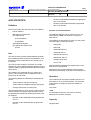
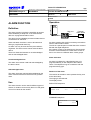
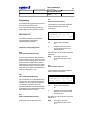
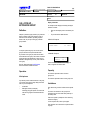
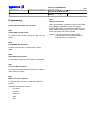
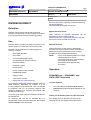
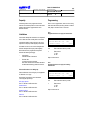
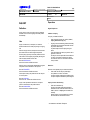
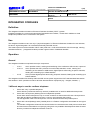
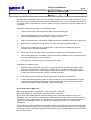
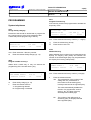
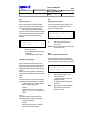
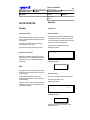
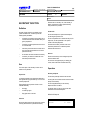
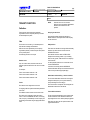
DTMF TONES
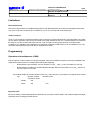
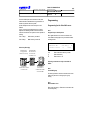
Programming
Definition/Use
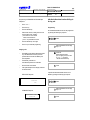
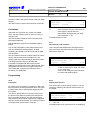
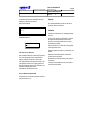
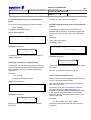
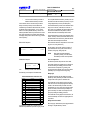
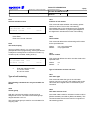
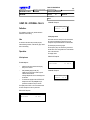
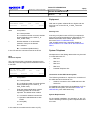
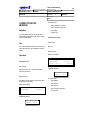
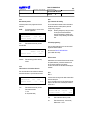
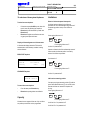
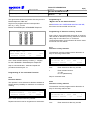
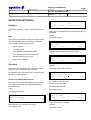
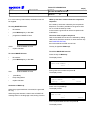
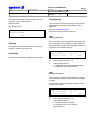
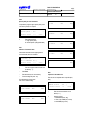
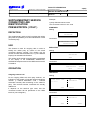
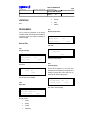
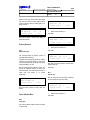
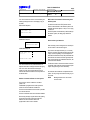
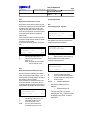
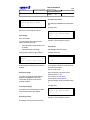
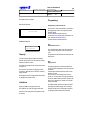
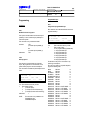
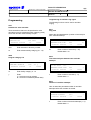
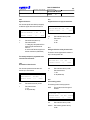
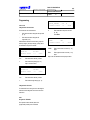
0121
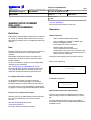
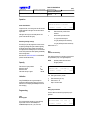
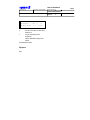
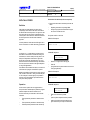
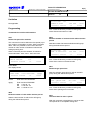
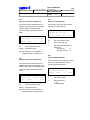
DTMF to instrument?
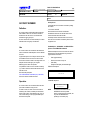
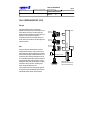
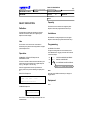
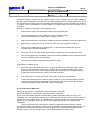
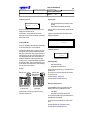
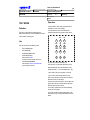
During speech connection the user can send and
receive DTMF (=Dual Tone Multi Frequency) tones
from/on the telephone.
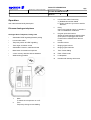
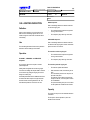
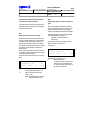
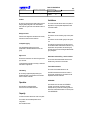
Operation
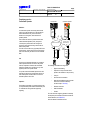
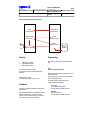
Peripheral (external) units can be connected to an
extension position and be controlled by DTMF-tones
e.g. entry phone.
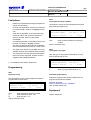
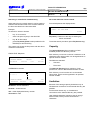
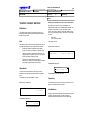
This command is used to determine whether digits
dialled by the call partner can be transmitted as
DTMF-tones to the connected unit.
During speech connection the user can send and
receive DTMF tones from/to the telephone,
independent if it is an incoming or outgoing, internal or
external call.
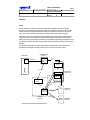
This is very useful when using DISA, Automated
Attendant, call back services or retrieving messages
from an external mailbox.
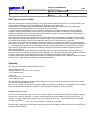
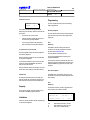
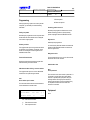
Capacity/Limitations
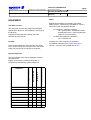
It is possible to send and receive DTMF-tones from/to
any kinds of System Telephone and Analogue DTMF
Telephone.
No TCD check is performed for the dialled DTMF
digits.
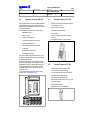
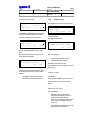
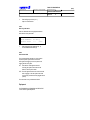
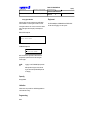
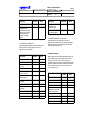
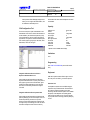
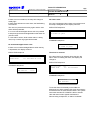
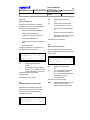
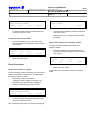
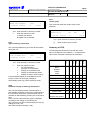
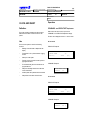
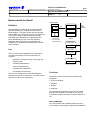
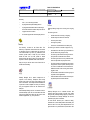
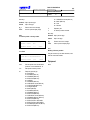
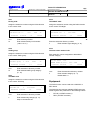
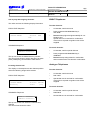
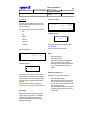
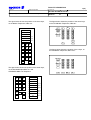
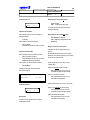
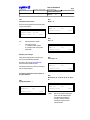
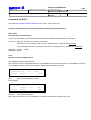
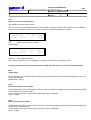
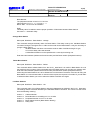
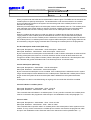
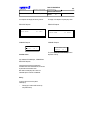
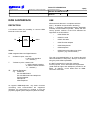
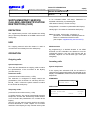
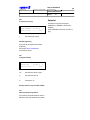
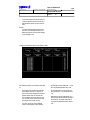
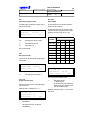
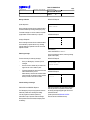
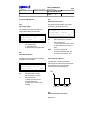
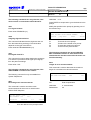
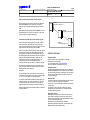
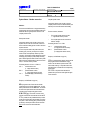
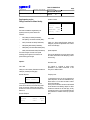
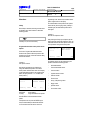
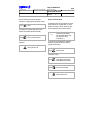
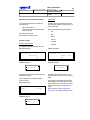
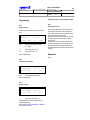
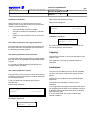
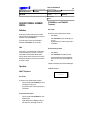
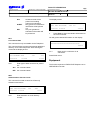
10 Jul 14:40
+15˚
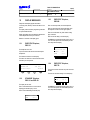
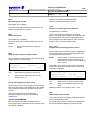
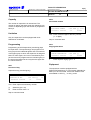
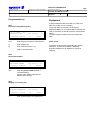
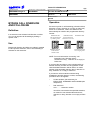
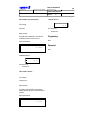
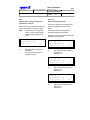
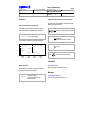
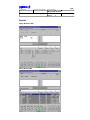
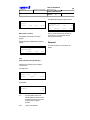
DTMF TO INSTRUMENT?
backward
forward
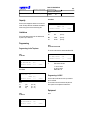
C
0121
xxx
c/i
yy
return
xxxx
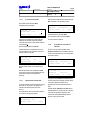
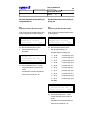
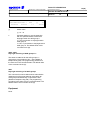
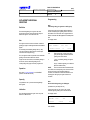
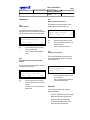
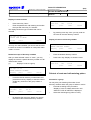
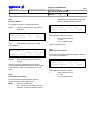
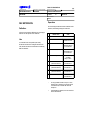
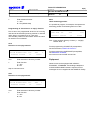
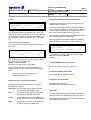
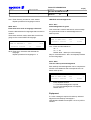
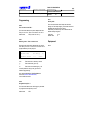
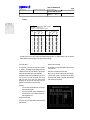
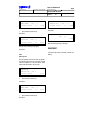
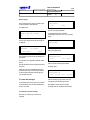
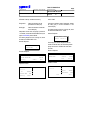
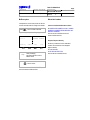
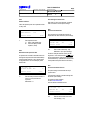
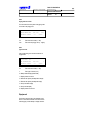
Enter extension's directory number
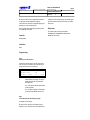
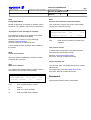
z
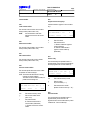
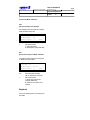
Enter the respective function:
Y = Yes
N = No (default data)
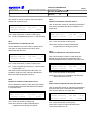
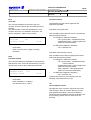
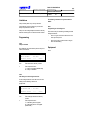
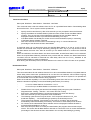
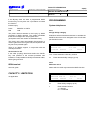
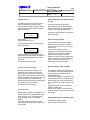
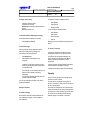
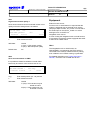
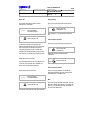
The times determined by means of commands 2009
and 2010 are used both for external traffic and for
transmission to the extension equipment.
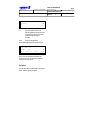
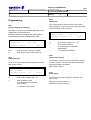
These commands are only accessible via RASC:
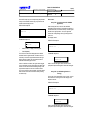
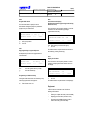
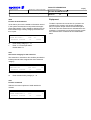
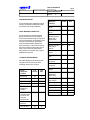
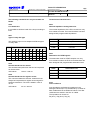
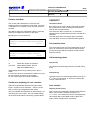
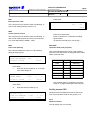
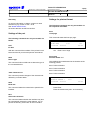
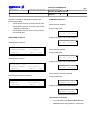
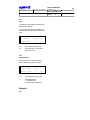
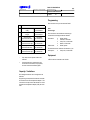
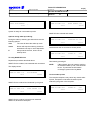
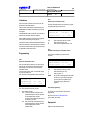
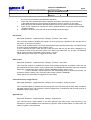
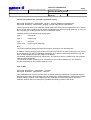
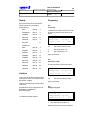
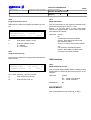
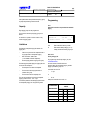
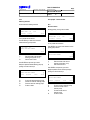
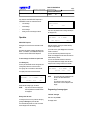
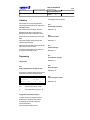
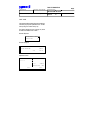
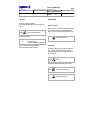
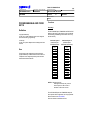
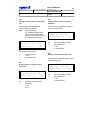
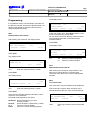
1313
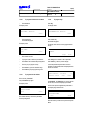
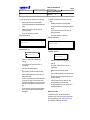
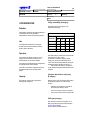
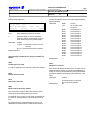
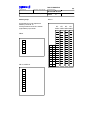
DTMF signal scheme
The command is used to state the signalling table for
DTMF register signalling.
Default value: 00 = Standard DTMF
Values = 01 - 99 ( for future use )