1
FACILITY DESCRIPTION
Uppgjord/Prepared
Faktaansvarig - Subject responsible
19(31)
Dokumentnr/Documentnr
265/155 34-ASB 150 02 Uen
Dokansv/Godkänd - Doc respons/Approved
Kontr/Checked
Datum/Date
99-07-15
7.
8.
9.
Rev
Tillhör/Referens-File/Reference
C
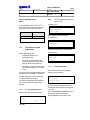
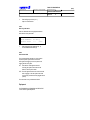
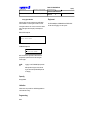
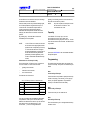
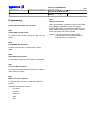
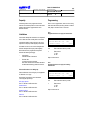
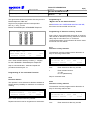
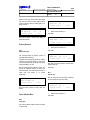
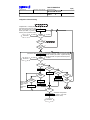
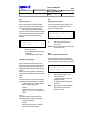
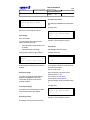
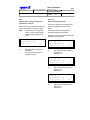
the <Esc> key and entering the Distributor password.
At the end of the download process the program records the result both on the screen and
in the DWN_BS.SAV file. The program then resets the entire IC system. So, the cable
delay values are downloaded to the Base Stations and the IC system becomes operational.
Carry out the `Version Info' command to check if all Base Stations contain the correct software
(firmware) indeed.
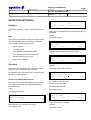
Enable the 24 Hours (24H) test and the Acknowledge (ACK) test again.
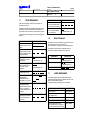
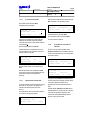
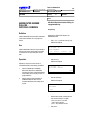
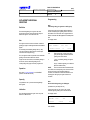
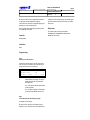
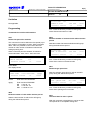
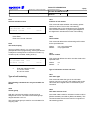
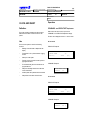
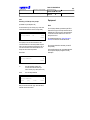
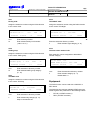
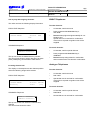
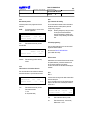
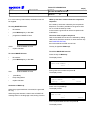
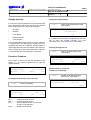
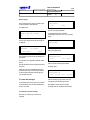
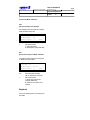
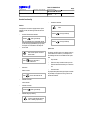
24H Control
Menu path: Distributor - Diagnostics/test - Settings - Test time - 24H control
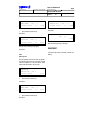
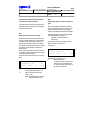
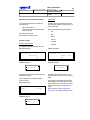
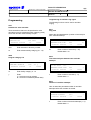
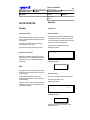
This command enables or disables the periodic 24 Hours (24H) test. If enabled, it also sets the time of
the day the 24 hours test is started.
Under normal conditions the 24 hours test should be executed, otherwise select N(o). The selection that
is made is stored in EEPROM. Factory setting: Y(es).
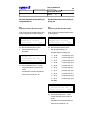
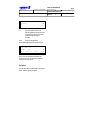
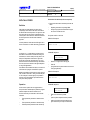
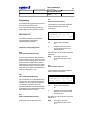
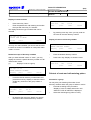
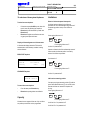
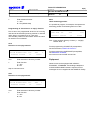
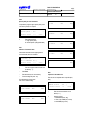
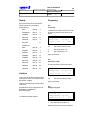
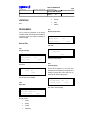
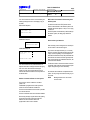
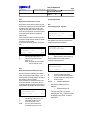
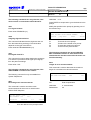
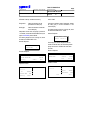
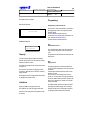
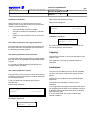
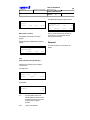
If Yes is selected the next screen with the current test time and the new test time is displayed. It is
convenient to select a time when the system is not being (very little) used; e.g. at night. The selection
that is made is stored in EEPROM. Factory setting: 1.20 a.m.
Faults detected by these tests are logged in the error table.
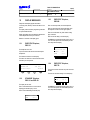
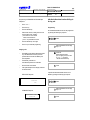
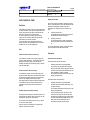
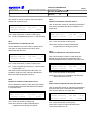
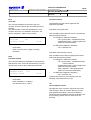
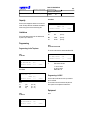
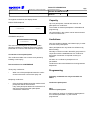
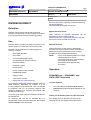
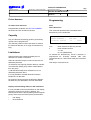
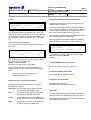
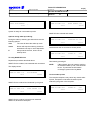
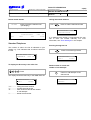
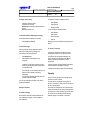
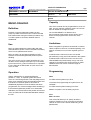
ACK Control
Menu path: Distributor - Diagnostics/test - Settings - Test time - Ack control
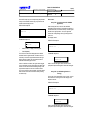
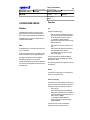
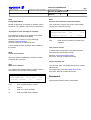
This command enables or disables the periodic Acknowledge (ACK) test. If enabled, it also sets the
period between the tests. Under normal conditions the Acknowledge test should be executed, otherwise
select N(o). The selection that is made is stored in EEPROM. Factory setting: Y(es).
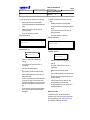
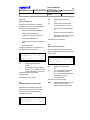
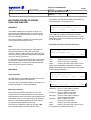
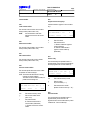
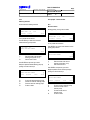
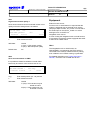
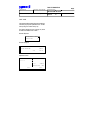
If Yes is selected a new test period for the Acknowledge tests (in hours and minutes) can
be entered. Factory setting: every 2 minutes. New period is stored in EEPROM.
Faults detected by these tests are logged in the error tables.
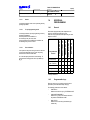
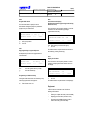
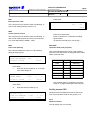
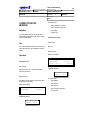
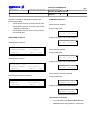
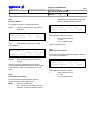
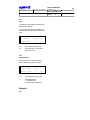
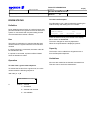
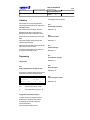
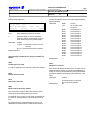
Overwrite Previous Logged Errors
Menu path: Distributor - Diagnostics/test - Settings - Error messages - Overwrite yes/no
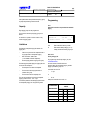
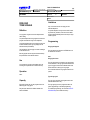
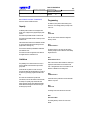
This command enables or disables the Overwrite option of the Info Table and the Fault Table. If enabled,
the latest reported error may overwrite a previous logged error. The selection that is made is stored in
EEPROM. Factory setting: N(o).
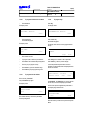
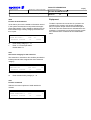
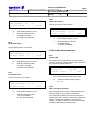
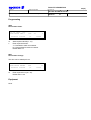
Approval Test
Menu path: Distributor - Diagnostics/test - Settings - Approval test
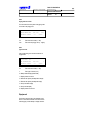
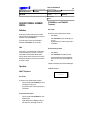
This command puts a Base Station in the Dect Approval Test (DAT) mode. This command is not
intended for normal installation and maintenance purposes. When a Base Station is in DAT mode, the
whole IC system is not operational.