1
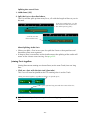
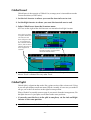
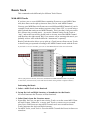
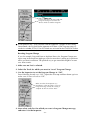
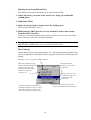
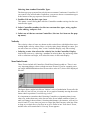
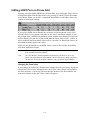
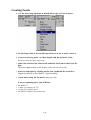
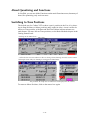
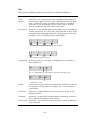
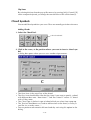
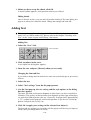
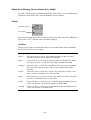
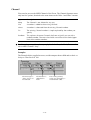
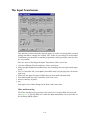
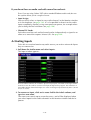
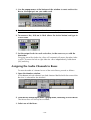
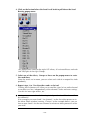
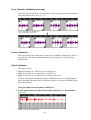
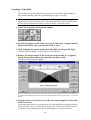
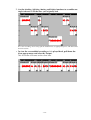
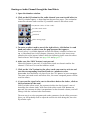
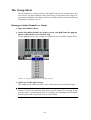
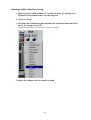
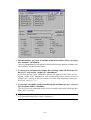
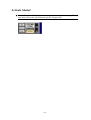
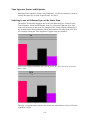
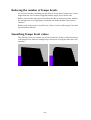
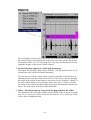
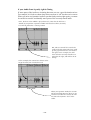
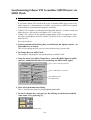
4. Select Fill Meter Hitpoints from the Do pop-up menu.
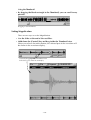
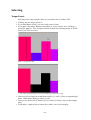
Meter Hitpoints are inserted in the area above the tempo curve, spaced according to the Snap setting.
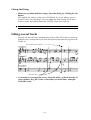
5. If your Audio Event contains Match points that are not positioned on
quarter notes (or whatever Snap value you have chosen), you need to insert Meter Hitpoints on the corresponding places as well.
Also, it for some quarter notes in your Audio Event, there are no Match
Points (for example in long breaks, pauses, etc), you have to delete the
Meter Hitpoints on the corresponding positions.
This is because you will later perform a “link one by one”, where each Match
Point is linked to exactly one Meter Hitpoint. If there is a Hitpoint or a Match
Point “missing”, the wrong Match Points will be linked to the wrong Hitpoints.
● It is perfectly possible not to use the “Link One by One” function, and instead
link the Hitpoints to the Matchpoints “by hand” as described in the Hitpoints
chapter in the main Cubase manual. If you choose to do this, the number of
Hitpoints does not have to be the same as the number of Match Points.
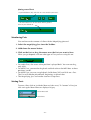
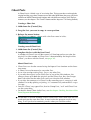
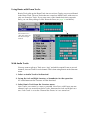
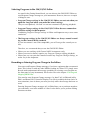
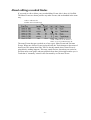
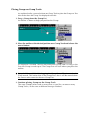
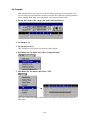
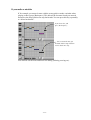
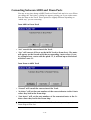
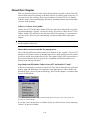
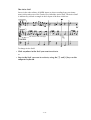
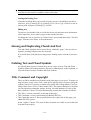
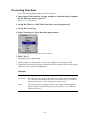
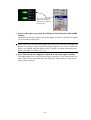
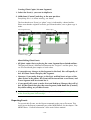
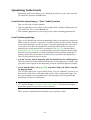
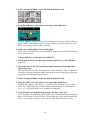
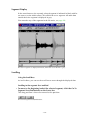
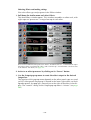
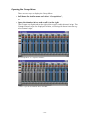
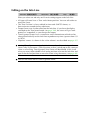
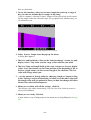
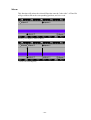
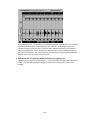
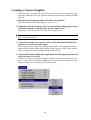
6. Pull down the Option pop-up menu and select Show Hitpoint Links.
7. Pull down the Do pop-up menu and select Link One by One.
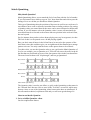
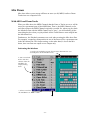
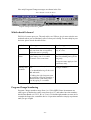
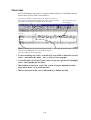
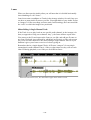
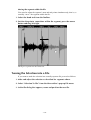
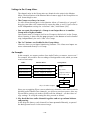
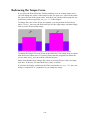
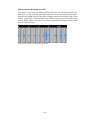
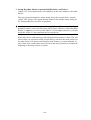
Now, the program attempts to link each of the Meter Hitpoints to a Match
Point, starting from the first one. If everything is OK, you should get a number
of roughly vertical lines (if you made a good estimation of the audio tempo in
step 2 above). If the angle of the lines changes abruptly from one line to the
next, this indicates that there are dramatic tempo changes in the audio. If
there are no such changes in the audio, the links are not correct and you need
to insert or delete Meter Hitpoints. Repeat steps 5 to 7 until the links seem
OK.
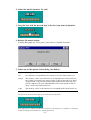
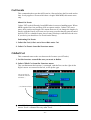
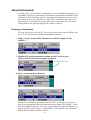
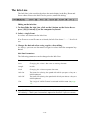
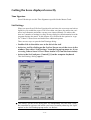
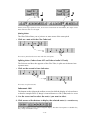
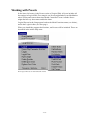
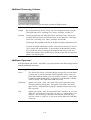
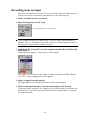
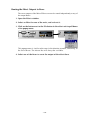
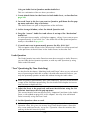
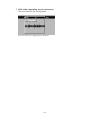
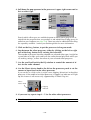
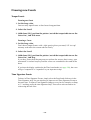
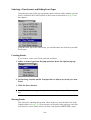
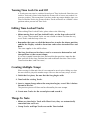
8. Pull down the Audio pop-up menu and select Quantize Audio.
This instructs the program to move each M-Point in the Audio Event to the position of the corresponding Meter Hitpoint, and timestretch the material in between.
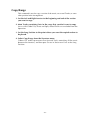
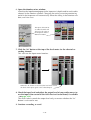
9. When this is done, your Audio Event will play a new segment, processed
to fit the playback tempo.
- 443 -