1
Preset Programming
Editing Presets
Changing Filter Types
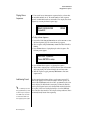
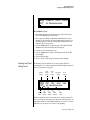
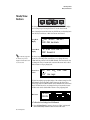
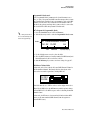
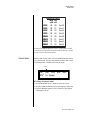
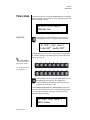
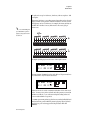
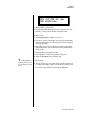
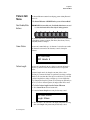
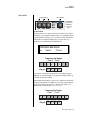
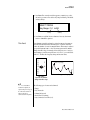
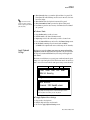
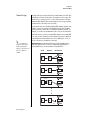
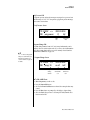
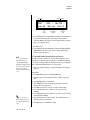
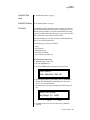
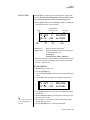
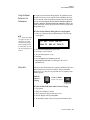
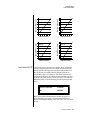
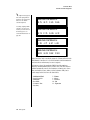
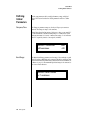
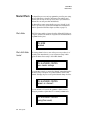
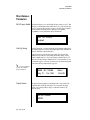
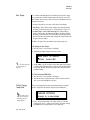
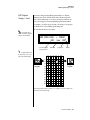
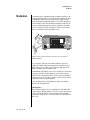
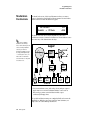
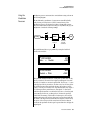
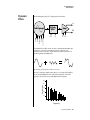
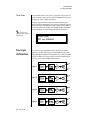
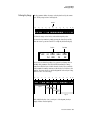
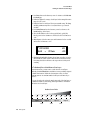
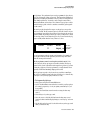
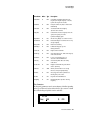
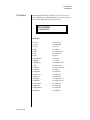
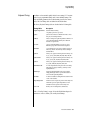
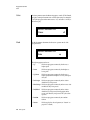
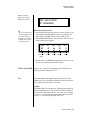
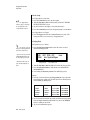
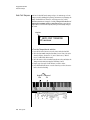
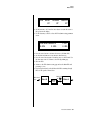
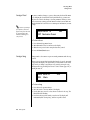
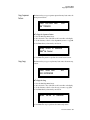
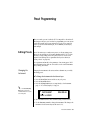
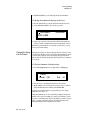
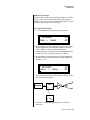
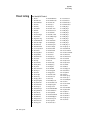
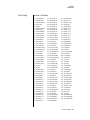
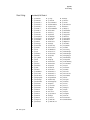
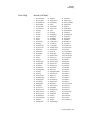
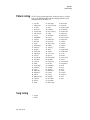
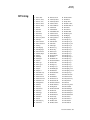
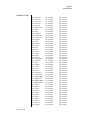
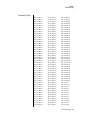
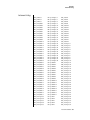
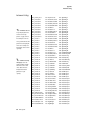
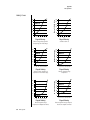
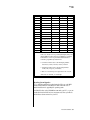
Go back to the Filter Type screen shown below and move the cursor down
the lower line of the display. Change the filter type while playing the
keyboard. There are 50 different filter types.
L1
FILTER
Aah-Ay-Eeh
Ord
6
Type
VOW
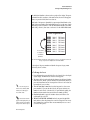
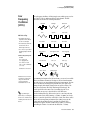
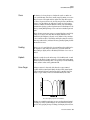
These filters are extremely powerful and have been carefully crafted to offer
maximum flexibility and musical control. You may want to change the
Envelope (PatchCord) Amount, Q and/or the Filter Frequency to get the
right sound for each filter and instrument. These three controls, coupled
with the Filter Envelope, are perhaps the most important controls on any
synthesizer. Take the time to learn how they interact with each other and
you will be able to create the most amazing sounds.
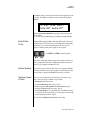
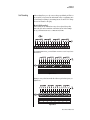
Envelope Repeat
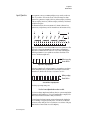
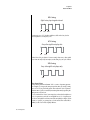
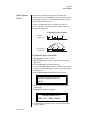
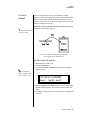
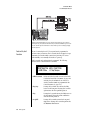
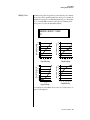
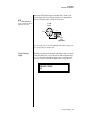
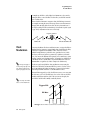
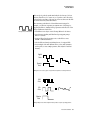
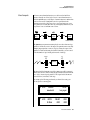
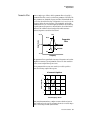
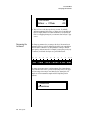
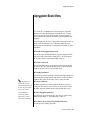
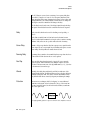
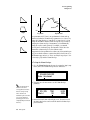
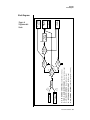
The Envelope Generator can also be made to repeat. When the envelope
repeat function is On, the Attack (1&2) and Decay (1&2) stages will
continue to repeat as long as the key is held.
1.
2.
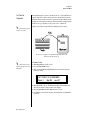
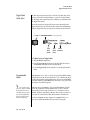
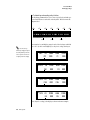
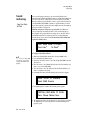
To Make the Filter Envelope Repeat:
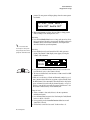
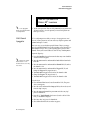
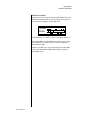
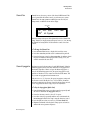
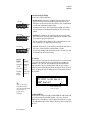
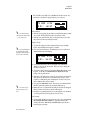
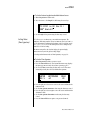
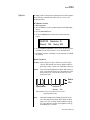
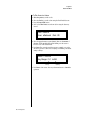
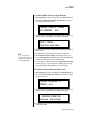
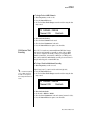
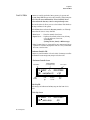
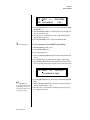
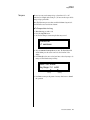
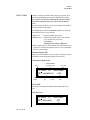
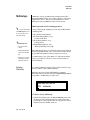
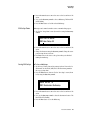
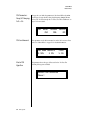
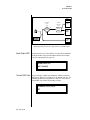
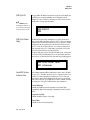
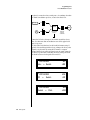
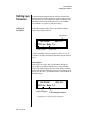
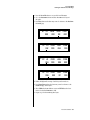
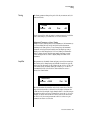
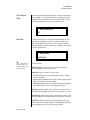
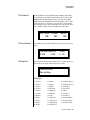
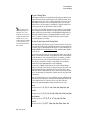
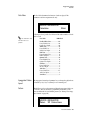
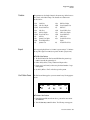
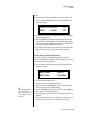
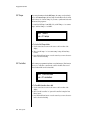
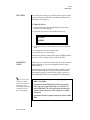
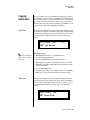
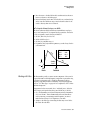
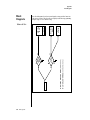
Go to the Filter Envelope Mode screen shown below.
Move the cursor to the Mode field.
L1
FILTER ENVELOPE
Mode:
time-based
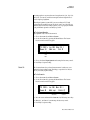
3.
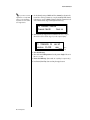
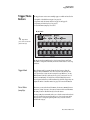
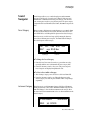
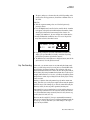
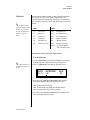
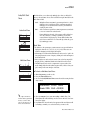
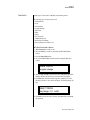
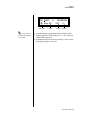
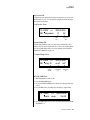
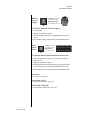
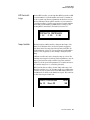
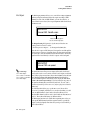
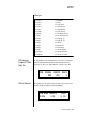
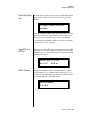
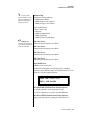
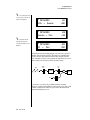
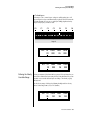
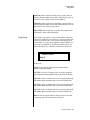
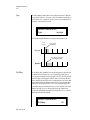
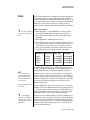
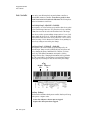
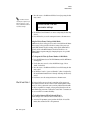
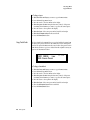
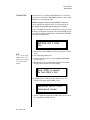
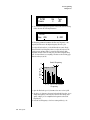
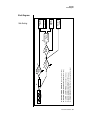
Turn the data entry control clockwise. The Mode field will change to
Repeat as shown below.
L1
FILTER ENVELOPE
Repeat: on
4.
5.
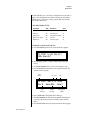
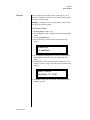
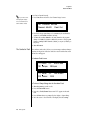
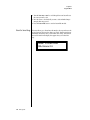
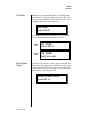
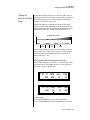
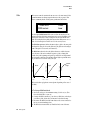
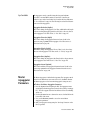
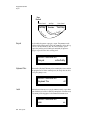
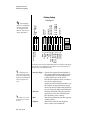
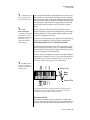
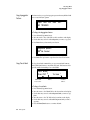
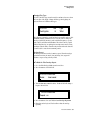
Move the cursor to the on/off field and turn Envelope Repeat On.
Play a key on the keyboard. You should now hear the envelope
repeating.
PX-7 Owners Manual 305