1
Preset Programming
Editing Presets
6.
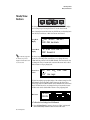
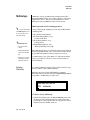
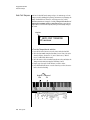
Practice Modulating
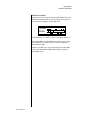
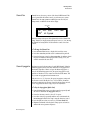
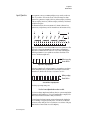
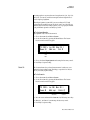
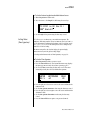
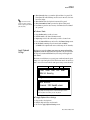
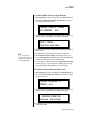
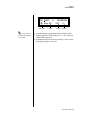
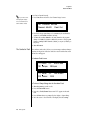
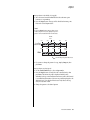
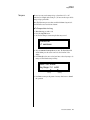
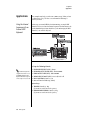
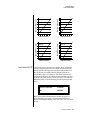
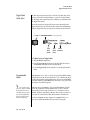
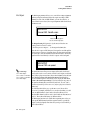
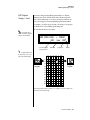
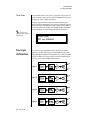
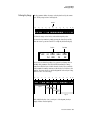
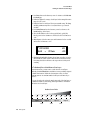
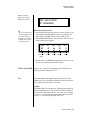
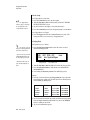
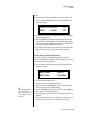
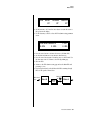
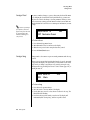
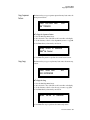
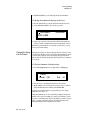
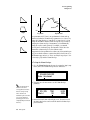
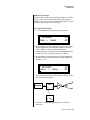
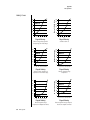
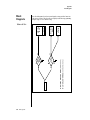
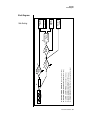
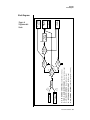
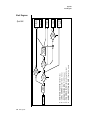
Go back to the envelope parameter page and adjust the Attack 1&2,
and Decay 1&2 parameters. The repeating envelope cycles through
these four stages as long as the key is held.
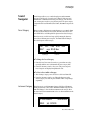
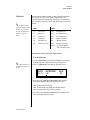
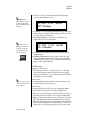
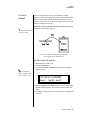
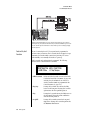
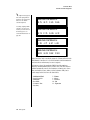
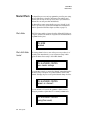
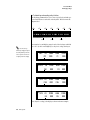
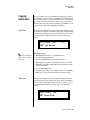
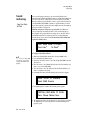
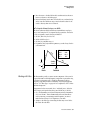
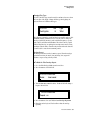
• Try modulating the pitch with the Filter Envelope generator.
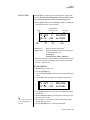
• Use Velocity to modulate the Filter Envelope PatchCord or the Filter
Frequency. This brightens the sound as you play harder.
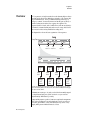
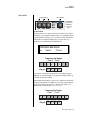
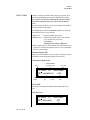
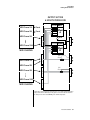
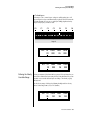
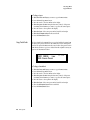
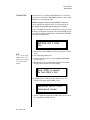
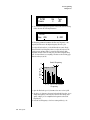
• Program the LFO to modulate Filter Frequency and Volume (PatchCord screen).
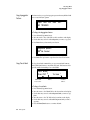
• Modulate the LFO with the other LFO, with Velocity, and with the
Touchstrip or Pitch Wheel.
• Examine the Factory presets to learn how they’re constructed. There
are lots of cool synthesis tricks you can use in your own presets.
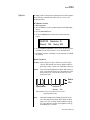
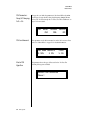
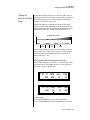
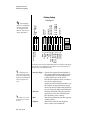
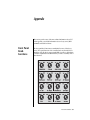
• We’ve programmed the front panel knobs our way, but since they’re
completely programmable there’s no reason why you can’t create
your own custom controls.
• Think of ten exotic modulation routings, then try them out.
Experimentation is the key to learning how to control PX-7.
306 E-MU Systems