1
all.book Page 60 Wednesday, February 19, 2003
1:34 PM
Substitute Reception to Memory
Substitute Reception to Memory
In situations where printing is not possible, such as when the fax machine
runs out of paper or toner, or a paper jam occurs, incoming faxes will be
received to memory.
When you have received a fax to memory, FAX RCVD IN MEMORY will
appear in the display, alternating with NO PAPER, REPLACE TONER, or
PAPER JAM. When you add paper, replace the toner cartridge, or clear the
jam, the stored faxes will automatically print out.
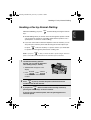
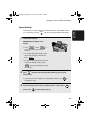
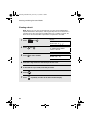
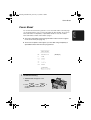
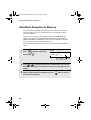
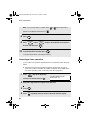
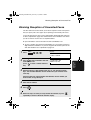
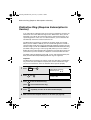
You can display information on faxes received to memory by following these
steps:
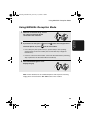
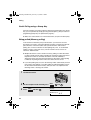
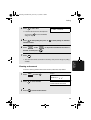
1
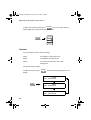
Press
MEM.STATUS
B
(flip up the Rapid Key
overlay) and 3 .
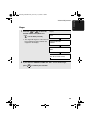
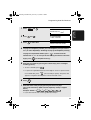
Display:
RX STATUS
PRESS
OR
(003)
The number of received
faxes appears here
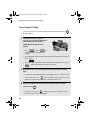
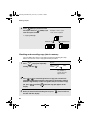
2
Press
or
to scroll through the list of received faxes. The name (or
number) of the sender of each document will successively appear in the
display.
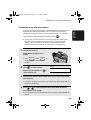
3
60
When you have finished checking the list, press
the date and time display.
STOP
twice to return to