1
Time Channels
13 Time Channels
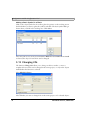
Time control is a function for setting and resetting digital signals in relation to the
real-time clock. This function is used to control events in the process at special times,
e.g. starting and stopping motors, through the operator panel.
13.1 Defining Time Channels
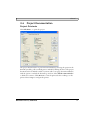
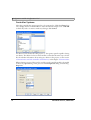
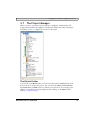
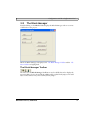
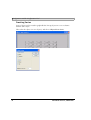
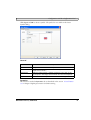
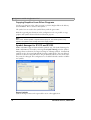
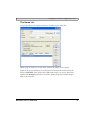
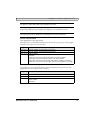
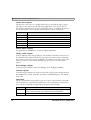
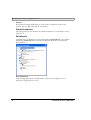
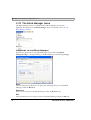
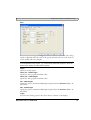
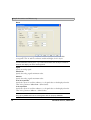
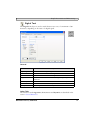
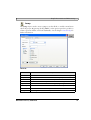
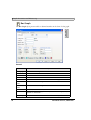
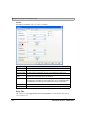
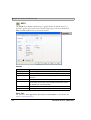
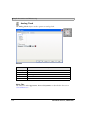
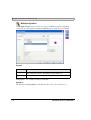
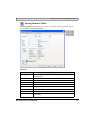
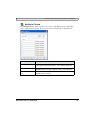
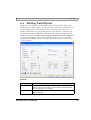
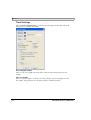
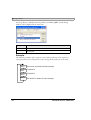
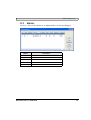
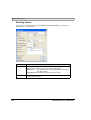
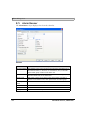
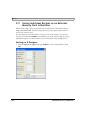
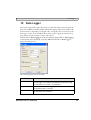
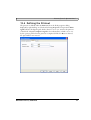
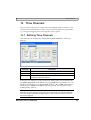
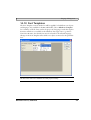
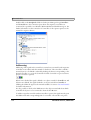
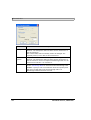
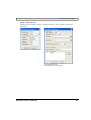
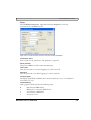
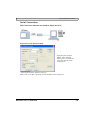
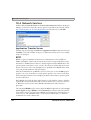
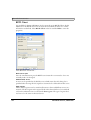
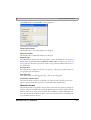
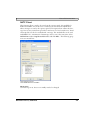
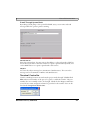
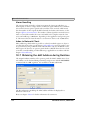
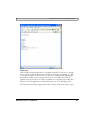
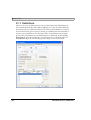
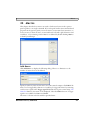
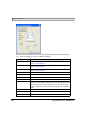
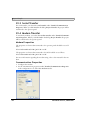
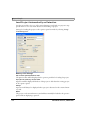
Time channels can be defined by double-clicking Time channels in the Project
Manager.
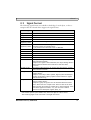
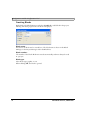
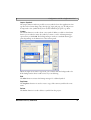
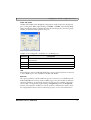
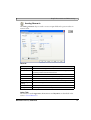
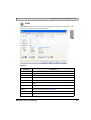
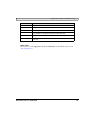
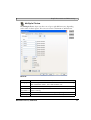
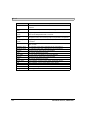
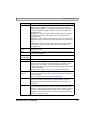
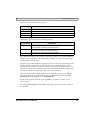
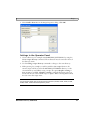
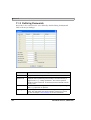
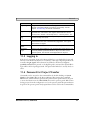
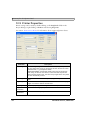
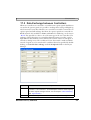
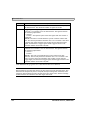
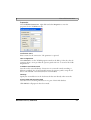
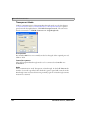
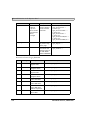
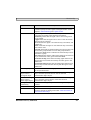
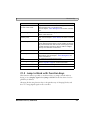
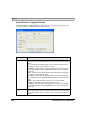
Parameter
Description
Interval text
An optional text for the time channel.
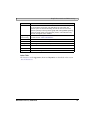
Signal
A digital signal, which is set to one during the specified time interval.
Interval
The days and times for the interval. Four different intervals can be
defined for each time channel.
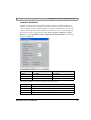
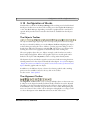
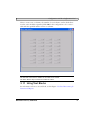
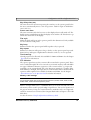
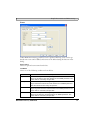
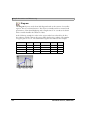
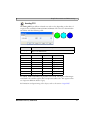
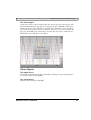
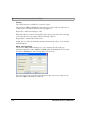
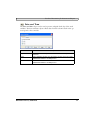
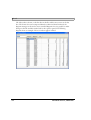
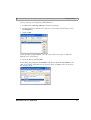
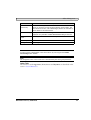
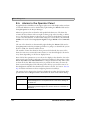
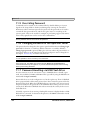
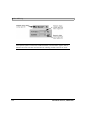
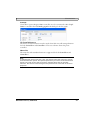
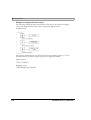
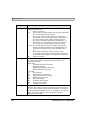
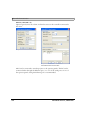
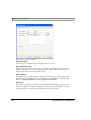
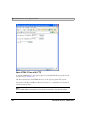
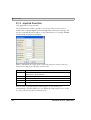
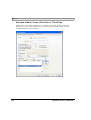
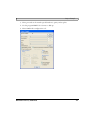
In the previous example, one time channel was defined. This time channel has the
text Night temperature, and is linked to the signal M30. The signal will be set to one
Monday to Friday between 17.30 and 05.00, Friday 17.30 to 24.00, and Saturday to
Sunday between 00.00 and 24.00. During these periods, the temperature in the
building will be reduced.
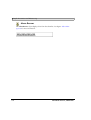
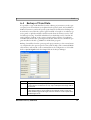
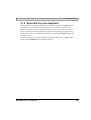
Note:
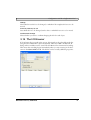
Make sure not to use the same trigger signal for two different time channels. When the
first time channel is finished, its trigger signal is reset, and the second time channel
will not be triggered.
Mitsubishi Electric, MA00759F
195