1
Graphic Presentation and Maneuvering
4
Graphic Presentation and
Maneuvering
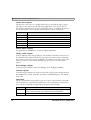
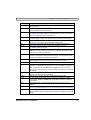
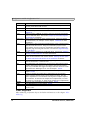
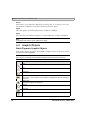
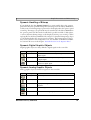
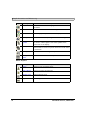
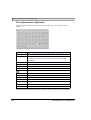
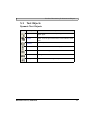
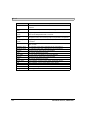
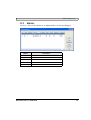
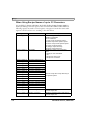
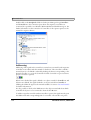
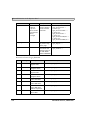
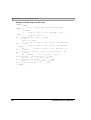
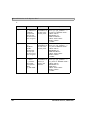
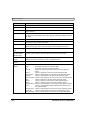
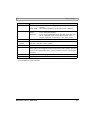
This chapter presents the graphic objects in tabular form and then describes each object
separately.
4.1
General Parameters
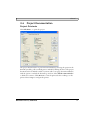
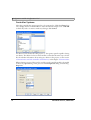
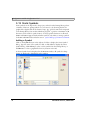
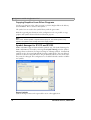
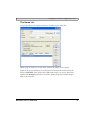
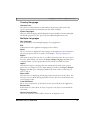
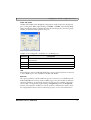
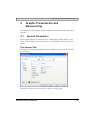
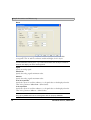
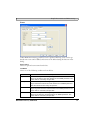
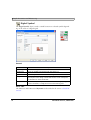
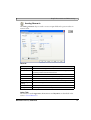
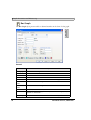
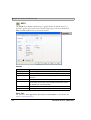
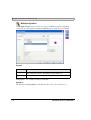
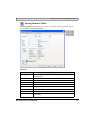
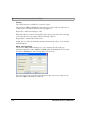
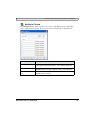
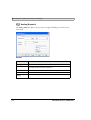
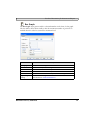
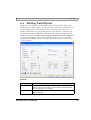
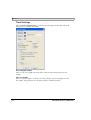
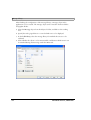
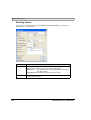
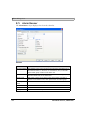
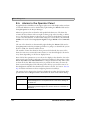
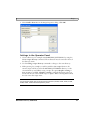
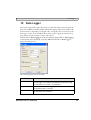
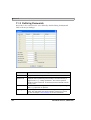
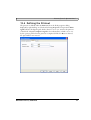
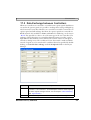
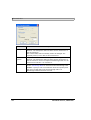
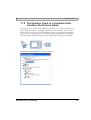
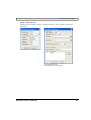
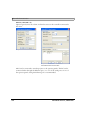
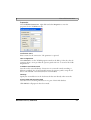
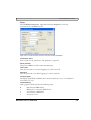
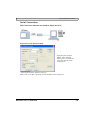
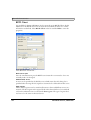
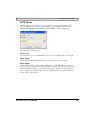
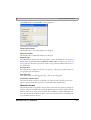
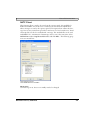
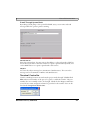
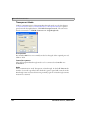
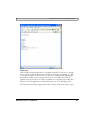
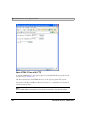
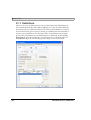
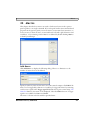
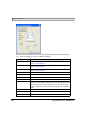
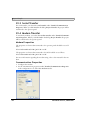
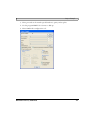
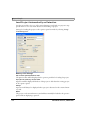
The Properties dialog for the selected object is displayed by double-clicking on the
object on the working area. Some properties are not available for all operator panel
models.
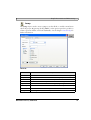
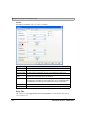
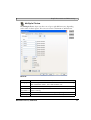
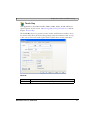
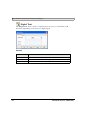
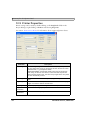
The General Tab
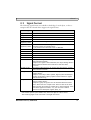
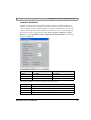
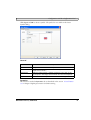
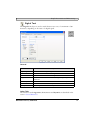
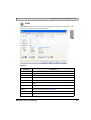
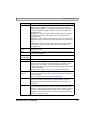
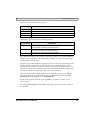
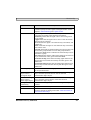
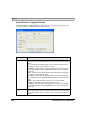
The properties under the General tab vary for the different objects, and are described
for each object.
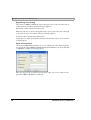
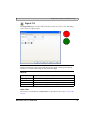
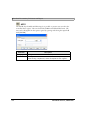
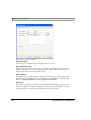
All dynamic objects can be connected to a digital or analog signal.
Mitsubishi Electric, MA00759F
79