1
P59_98.qxp:05006529_GUTS3&4
5/28/08
8:39 AM
Page 80
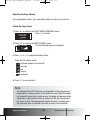
You can view the actual bolus amount delivered prior to the cancellation by
looking at the bolus history. See the section “Review the Bolus History” (page
107) for more information.
Make sure that the cancellation was intended, and then program a new Standard
Bolus, if needed.
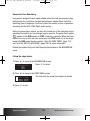
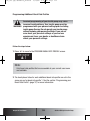
Programming a Menu-Guided “Scroll” Standard Bolus
Regardless of the bolus increment setting, the bolus increments for the “Scroll”
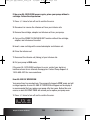
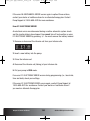
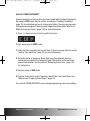
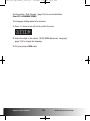
Standard Bolus are fixed to 0.1 unit. You can program this bolus in the STANDARD
BOLUS screen by holding the a or s key (scrolling) until the bolus amount
is displayed.
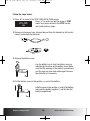
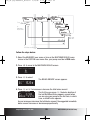
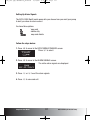
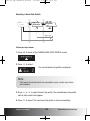
Follow the steps below:
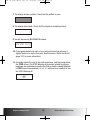
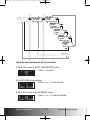
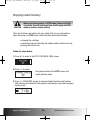
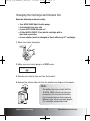
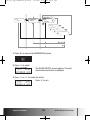
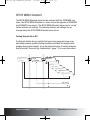
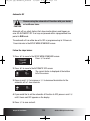
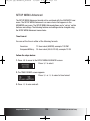
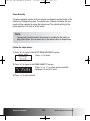
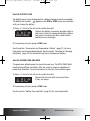
1. Press d to move to the STANDARD BOLUS screen.
2. Press f to select. The BOLUS AMOUNT screen appears.
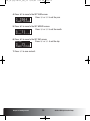
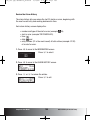
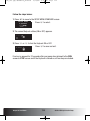
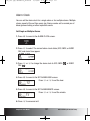
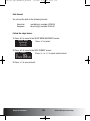
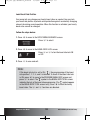
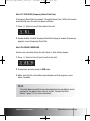
3. Press or scroll a to increase or s to decrease the bolus amount.
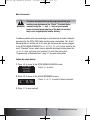
4. Press f to confirm the bolus amount.
Chapter 4: Boluses and TBRs
80
ACCU-CHEK Spirit Insulin Pump