1
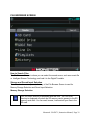
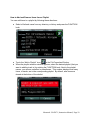
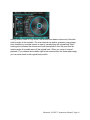
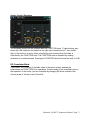
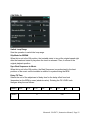
Microphone Type
Selects the type of device to connect to the MIC terminal. The options are as follows:
● Condenser: Use a condenser microphone (needs power)
● Dynamic: Use a dynamic microphone (does not need power)
● Line: Use line level input or pre-amped microphone
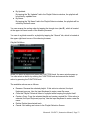
Line-In Amp Volume
Adjusts the Line-in volume which is applied to the input from the Line-In terminal. In
addition, when "Line" is selected as "Microphone type,” this volume is applied also to
the input from the MIC terminal.
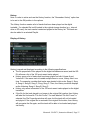
Send Main Sound to HP
When this is set to the ON position, the sound output of the LINE-OUT is sent to the
headphone jack as well. Please note: Pressing the VOLUME knob (i.e., Track-B Volume
knob) to control the headphone volume level is disabled.
Beat LED
Enables or disables the Beat LED
Monster® GO-DJ™ | Instruction Manual | Page 94