1
OPERATING YOUR NEW BREVILLE PRODUCT
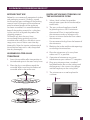
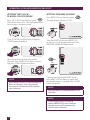
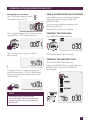
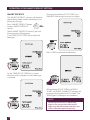
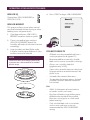
STANDBY
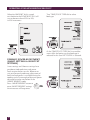
INDEPENDENT KITCHEN TIMER
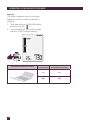
When the microwave has been idle for
5 minutes, STANDBY mode will be activated.
The backlight of the LCD screen will turn off
and buttons will no longer be illuminated.
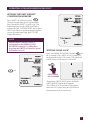
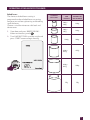
The independent kitchen timer can be used as
either a count down or count up timer.
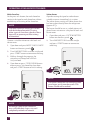
Stand-by mode when the time is not set.
When the time has been set STANDBY will not
be displayed on the LCD screen.
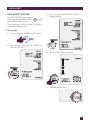
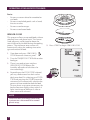
Setting the count down timer
Press TIMER on shortcuts panel.
The default time is 00:00.
The highlighted digits flash to show it can be
adjusted. Turn START dial to adjust to your
desired time in seconds, minutes and hours.
Press START button to begin.
Stand-by mode when the time is set.
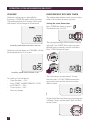
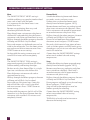
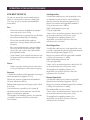
To “wake up” the microwave:
• Open the door ..... OR .....
• Press START, SMART REHEAT, COOK
or DEFROST ..... OR .....
• Turn any dial ..... OR .....
• Press any button
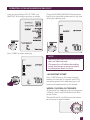
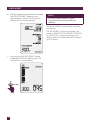
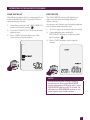
The timer begins to count down. To stop
STOP
the timer
press STOP/CLEAR button once
CLEAR
to pause or twice to clear and return to the
default screen.
A Bit More
STOP
A Bit More
CLEAR
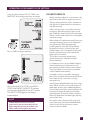
At the end of the timer function, the microwave
will beep 3 times and the word “End” will flash
on the screen.
STOP
A Bit More
18
CLEAR