1
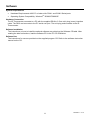
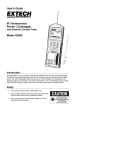
Software System Requirements Hardware Requirements: 486 PC or better with COM 1 and COM 2 Serial ports Operating System Compatibility: Windows TM 95/98/NT/2000/XP Hardware Connection The IR Thermometer connects to a PC with the supplied DB-9 to 3.5mm mini-plug (mono) interface cable. The DB-9 end connects to the PC serial com port. The mini-plug end connects to the IR Thermometer. Software Installation The instructions on how to install the optional software are printed on the Software CD label. After reading the label’s directions, load the software CD in the PC CD-ROM drive. Software Use The instructions for use are provided on the supplied program CD. Refer to the software instruction manual on the CD. 14 42582-EN v6.1 07/13