1
S T A N D A R D
P R I N T E R
C O M M A N D S
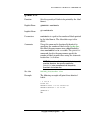
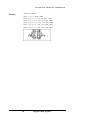
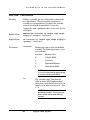
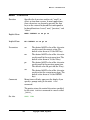
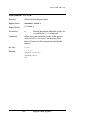
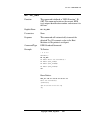
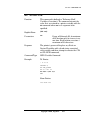
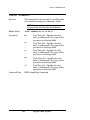
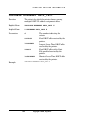
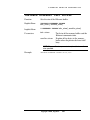
DRAW_BOX
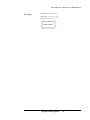
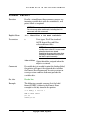
Function
Draws a hollow rectangle on the label.
Explicit Form
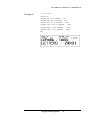
DRAW_BOX x y w h t
Implicit Form
D x y w h t
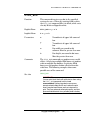
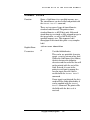
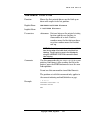
Parameters
x
X coordinate of upper left corner of
box
y
Y coordinate of upper left corner of
box
w
Box width, measured in dot
columns. Must be greater than zero.
h
Box height, measured in dot rows.
Must be greater than zero.
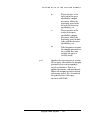
t
Optional; specifies line thickness in
dots. The default is 1. If t is greater
than 1, the x, y, w, and h parameters
refer to the box outside dimensions.
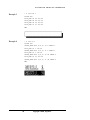
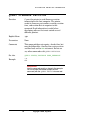
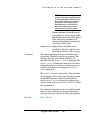
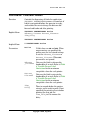
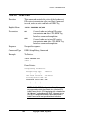
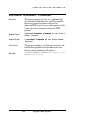
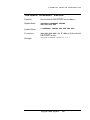
Comments
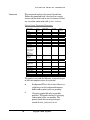
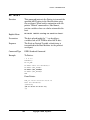
DRAW_BOX can draw horizontal and vertical lines on
labels if you set t and h or w equal to 1, but the lines
are two dots wide. Boxes drawn with this command
may not print well at 200 DPI or higher resolution
unless the t parameter is 2 or more. Some early
printers do not support the t parameter, in which
case we suggest using multiple FILL_BOX
commands to create boxes with thicker lines.
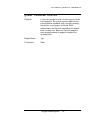
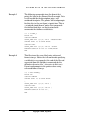
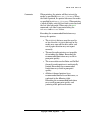
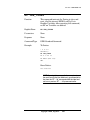
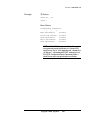
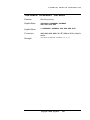
See also
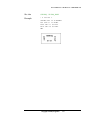
FILL_BOX
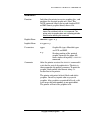
NOTE:
Avoid drawing boxes around bar codes.
Vertical lines near the bar code edge may be confused
by scanners as being part of the code.
40
Copyright © 2006, Cognitive.