1
SETTING THE PARAMETERS FOR ANY CALCULATOR DRIVER
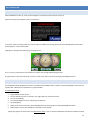
Some calculators will ask for user defined values such as vehicle weight, and fuel density. Others will require signals to be selected to
complete the formula.
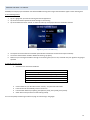
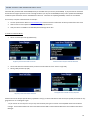
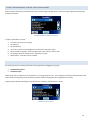
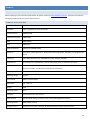
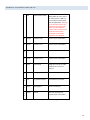
Parameters available for the Economy Calculator
To adjust a parameter for a driver:
1.
2.
3.
4.
5.
6.
7.
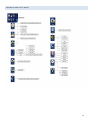
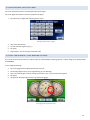
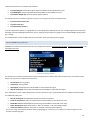
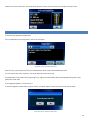
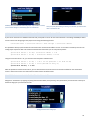
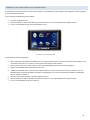
From the main menu tap on [Setup].
Tap [Devices].
Tap [Parameters].
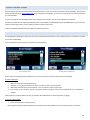
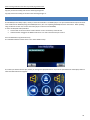
Use [<] or [>] buttons to the Navigate to the “d-Economy Calculator” option.
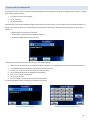
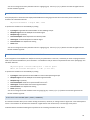
Select an input by tapping it. Select the signal input or the value you wish to enter.
Tap [Change]. Enter the number or text. Tap [Save] to confirm.
Repeat steps 1-4 until all inputs are satisfied.
DYNO CALCULATOR
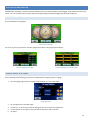
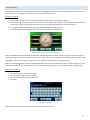
The driver generates two measurements that may be assigned to and logged by any gauge:
•
•
Calculated Horsepower
Calculated Torque
Values will be seen as Acceleration > 0, Deceleration < 0, Cruising speed near zero. This value ignores all external resistance factors and
can be used for benchmarking vehicle performance before and after adding performance upgrades to the vehicle.
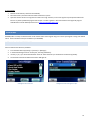
Install the Dyno Calculator following the steps found in the “installing a Calculator Driver” above.
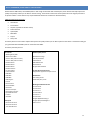
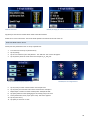
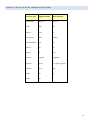
Parameters for dyno calculator
23