1
EPSON Stylus Pro 10000/10000CF
Revision B
o
PIGMENT INK
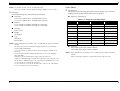
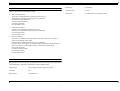
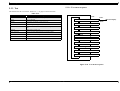
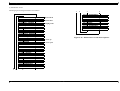
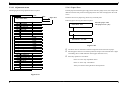
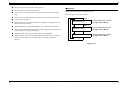
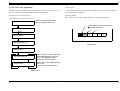
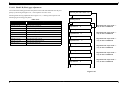
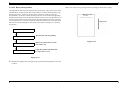
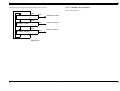
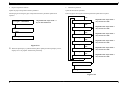
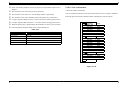
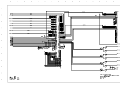
Mode for the head selection of pigment ink code
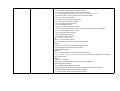
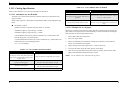
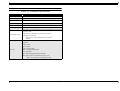
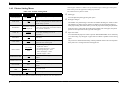
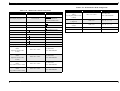
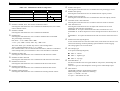
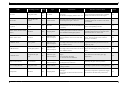
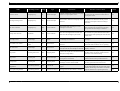
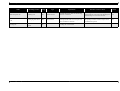
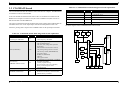
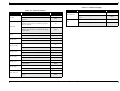
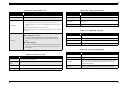
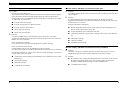
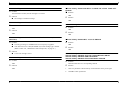
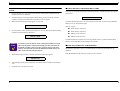
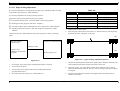
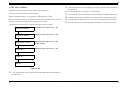
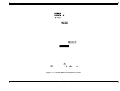
Following figure showing head number selection menu sequence.
Item
Press the [Enter] key to select
the input mode of Head 1.
Input Head 1 Code
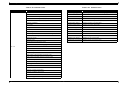
Cord input for pigment
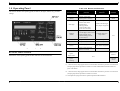
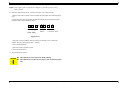
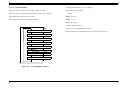
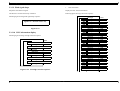
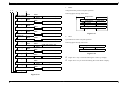
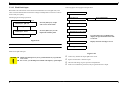
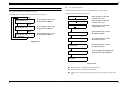
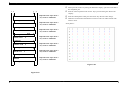
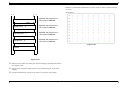
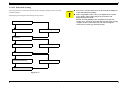
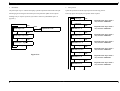
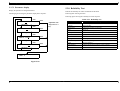
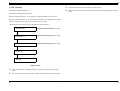
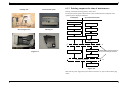
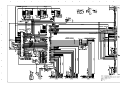
Mode for the head code input. Cursor is appeared under the input column.
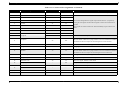
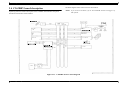
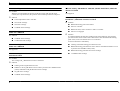
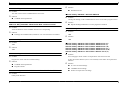
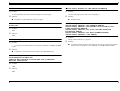
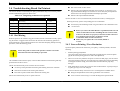
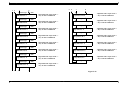
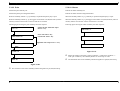
Following figure showing menu sequence.
Head 1-3 X R \ \ \ \
Select the proper value with
"Paper Feed+/-" key.
Head 1-3 X R \ \ \ \
Select the proper value with
"Paper Feed+/-" key.
Head 1-3 X R \ \ \ \
Select the proper value with
"Paper Feed+/-" key.
SelecType
Item
Press the [Enter] key to select
the input mode of Head 2.
Input Head 2 Code
SelecType
Input Head 3 Code
Enter
Item
Press the [Enter] key to select
the input mode of Head 3.
End with "Pause" key.
Press the [Enter] key to select
the Adjust top menu.
SelecType
Wait
Press the [Enter] key to select
the Adjust top menu.
Exc, Enter Fill
Press the [Enter] key to select
the Adjust top menu.
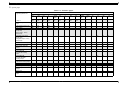
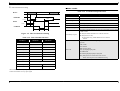
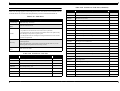
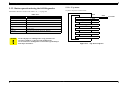
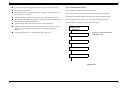
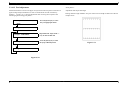
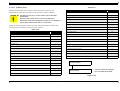
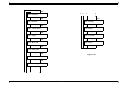
Figure 5-49.
Enter
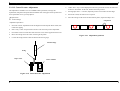
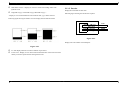
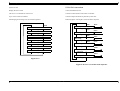
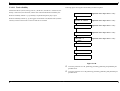
Please Set Ink
If the cartridge is not installed, left
hand of the message will appears.
Enter
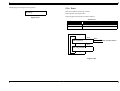
Ink Charge
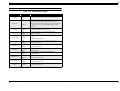
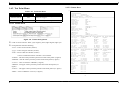
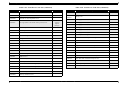
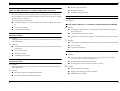
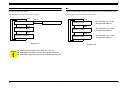
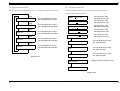
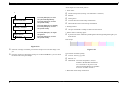
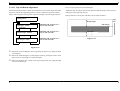
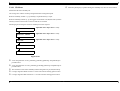
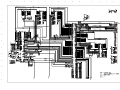
Figure 5-50.
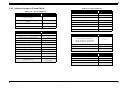
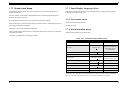
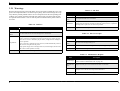
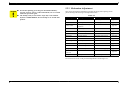
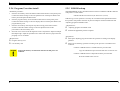
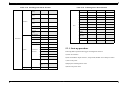
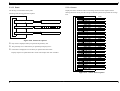
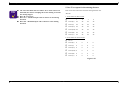
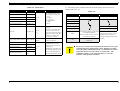
n Move the cursor to the right with "SelecType" key.
n Move the cursor to the left with "Item" key.
n Cursor move to the left edge when you press the "SelecType" key at the right
edge.
Adjustment
Self-Diagnostics
234