1
Chapter 3
F
A
S
T
M
A
N
A
G
E
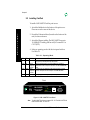
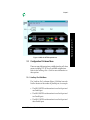
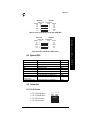
Figure 3-2. MIL-3310FTX Graphical Icon
3.3
Configuration Pull-down Menu
There are many different options available from the pull-down
menus, including TCP/IP, Novell, and SMB configurations.
Refer to the FastManage User’s Guide for more information on
these options.
3.3.1 Auxiliary Port Sub-Menu
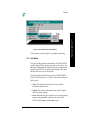
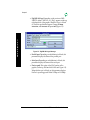
The “Auxiliary Port” sub-menu (Figure 3-3) differs from each
FastPort because of the number of parallel ports, for example:
• The MIL-3100FTX has information for one Serial port and
one Parallel port
• The MIL-3200FTX has information for one Serial port and
two Parallel ports
• The MIL-3310FTX has information for one Serial port and
three Parallel ports
MIL-3000FTX Series of FastPort Print Servers
3-3