1
Chapter 4: Configuring the High-Level Network
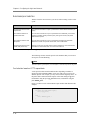
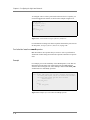
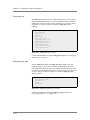
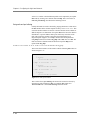
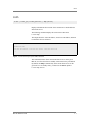
This option is configured globally, and by default is set to disable.
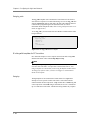
Note
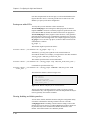
In redundant configurations, connections handled by the SSL proxy are not
mirrored, and therefore cannot be resumed by the peer unit upon failover.
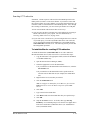
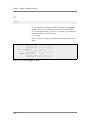
To configure SSL proxy failover using the Configuration
utility
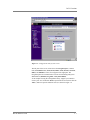
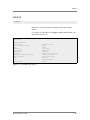
1. In the navigation pane, click System.
2. Click the Advanced Properties tab.
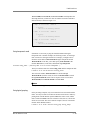
3. In the Failover on SSL Accelerator Failure box, check the Enable
or Disable check box.
4. Click Done.
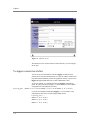
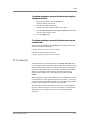
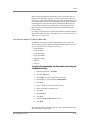
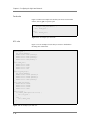
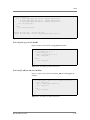
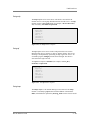
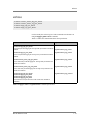
To configure SSL proxy failover from the command line
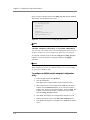
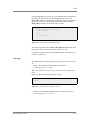
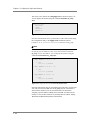
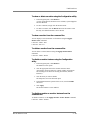
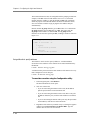
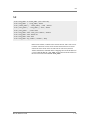
To enable or disable the SSL proxy for failover from the command line, type
the bigpipe global command with the appropriate arguments, as follows:
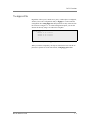
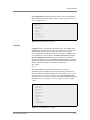
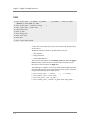
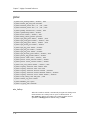
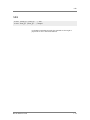
b global sslproxy failover <enable | disable>
Configuring SSL shutdowns
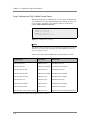
With respect to the shutdown of SSL connections, you can configure two
global options on the BIG-IP:
• Forcing clean SSL shutdowns
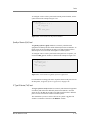
• Allowing SSL sessions to resume after unclean shutdown
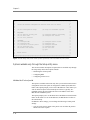
The following sections describe these options.
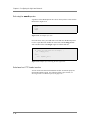
Forcing clean SSL shutdowns
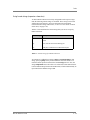
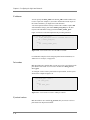
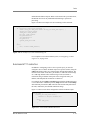
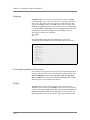
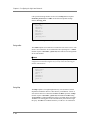
By default, the SSL proxy performs unclean shutdowns of all SSL
connections, which means that underlying TCP connections are closed
without exchanging the required SSL shutdown alerts. If you want to force
the SSL proxy to perform a clean shutdown of all SSL connections, you can
disable the default setting.
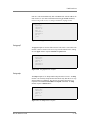
This feature is especially useful with respect to the Internet Explorer
browser. Different versions of the browser, and even different builds within
the same version of the browser, handle shutdown alerts differently. Some
versions or builds require shutdown alerts from the server, while others do
not, and the SSL proxy cannot always detect this requirement or lack of it.
In the case where the browser expects a shutdown alert but the SSL proxy
has not exchanged one (the default setting), the browser displays an error
message.
4 - 110