1
Configuring SNMP
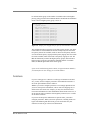
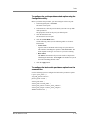
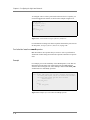
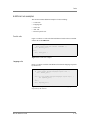
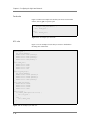
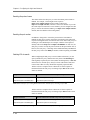
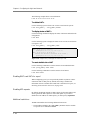
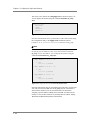
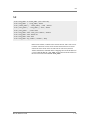
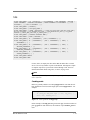
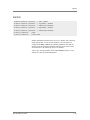
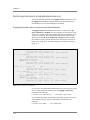
For example, you can type the following line which sets the SNMP agent to
accept connections from the IP addresses specified:
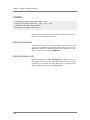
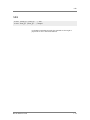
bigsnmpd: 128.95.46.5 128.95.46.6 128.95.46.7
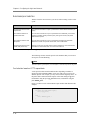
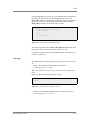
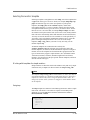
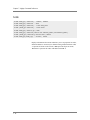
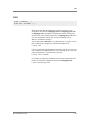
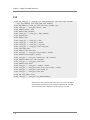
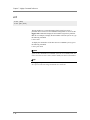
For a range of addresses, the basic syntax is as follows, where daemon is
the name of the daemon, and IP/MASK specifies the network that is
allowed access. The IP must be a network address:
daemon: IP/MASK
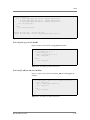
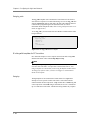
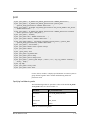
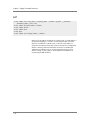
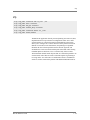
For example, you might use the following line which sets the bigsnmpd
daemon to allow connections from the 128.95.46.0/255.255.255.0 address:
bigsnmpd: 128.95.46.0/255.255.255.0
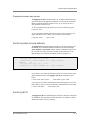
The example above allows the 254 possible hosts from the network address
128.95.46.0 to access the SNMP daemon. Additionally, you may use the
keyword ALL to allow access for all hosts or all daemons.
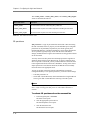
Note
192.168.1/24 CIDR syntax is not allowed.
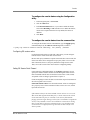
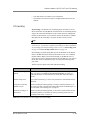
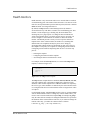
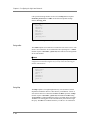
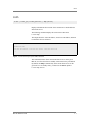
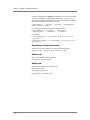
/etc/snmpd.conf
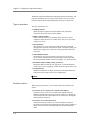
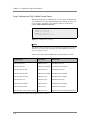
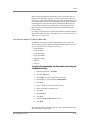
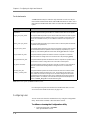
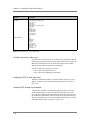
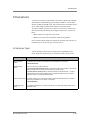
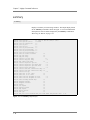
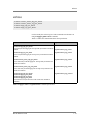
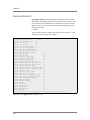
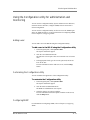
The /etc/snmpd.conf file controls most of the SNMP agent. This file is used
to set up and configure certain traps, passwords, and general SNMP variable
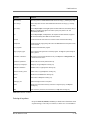
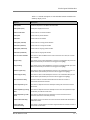
names. A few of the necessary variables are listed below:
◆
System Contact Name
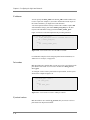
The System Contact is a MIB-II simple string variable defined by almost
all SNMP boxes. It usually contains a user name, as well as an email
address. This is set by the syscontact key.
◆
Machine Location (string)
The Machine Location is a MIB-II variable that almost all boxes support.
It is a simple string that defines the location of the box. This is set by the
syslocation key.
◆
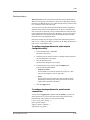
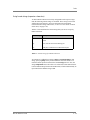
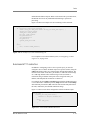
Community String
The community string clear text password is used for basic SNMP
security. This also maps to VACM groups, but for initial read/only
access it is limited to only one group.
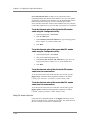
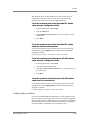
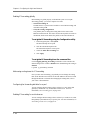
◆
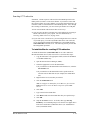
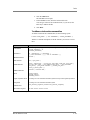
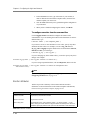
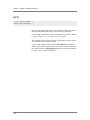
Trap Configuration
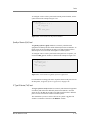
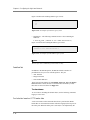
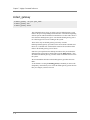
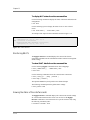
Trap configuration is controlled by these entries in the /etc/snmpd.conf
file:
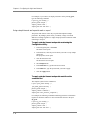
• trapsink <host>
This sets the host to receive trap information. The <host> is an IP
address.
• trapport <port>
This sets the port on which traps are sent. There must be one trapport
line for each trapsink host.
BIG-IP® Reference Guide
8-7