1
all.book Page 60 Tuesday, July 15, 2003
9:53 AM
4. Receiving Faxes
Using TEL/FAX Mode
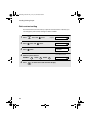
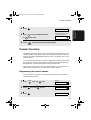
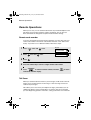
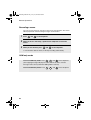
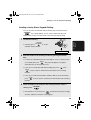
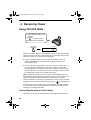
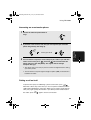
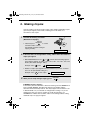
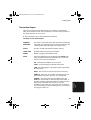
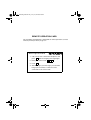
To select TEL/FAX mode, press
RESOLUTION/
RECEPTION MODE
until the arrow in
the display points to TEL/FAX.
RESOLUTION/
RECEPTION MODE
TEL FAX
TEL/FAX A.M.
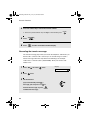
When the reception mode is set to TEL/FAX, your fax machine automatically
answers all calls on two rings. After answering, your fax monitors the line for
about five seconds to see if a fax tone is being sent.
♦ If your fax machine detects a fax tone (this means that the call is an
automatically dialled fax), it will automatically begin reception of the
incoming document.
♦ If your fax machine doesn't detect a fax tone (this means that the call is a
voice call or manually dialled fax), it will make a ringing sound (called
pseudo ringing) for 15 seconds to alert you to answer. If you don't answer
within this time, your fax will send a fax tone to the other machine to allow
the calling party to send a fax manually if they desire.
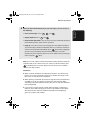
Note: Only the fax will alert you to voice calls or manually dialled faxes by
pseudo ringing. An extension phone connected to the same line will not ring
after the connection has been established. The handset of a parallel
extension telephone can, however, be picked up to answer the call. If pseudo
ringing does not stop when the handset is lifted, press
on the dial pad of
the phone (this is only possible from a tone dial phone). If pseudo ringing is
not cancelled in this way, the fax machine will send fax tones down the line,
rendering conversation impossible.
Pseudo Ring Duration for Tel/Fax Mode
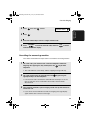
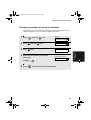
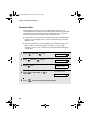
If desired, you can change the duration of pseudo ringing in Tel/Fax mode.
60