1
Operations | Reference Manual
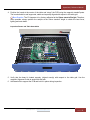
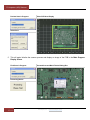
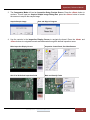
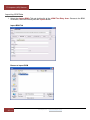
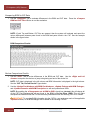
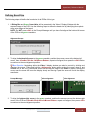
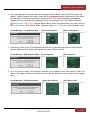
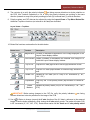
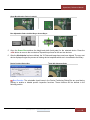
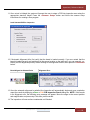
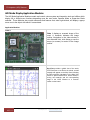
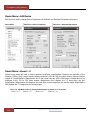
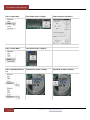
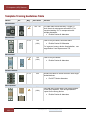
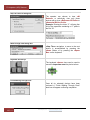
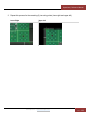
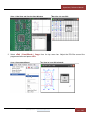
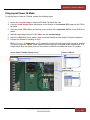
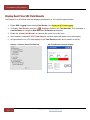
Green Box Moved to Device Centroid
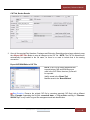
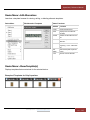
Box Adjusted to Pads <Left-Ctrl Key>+<Arrow Keys>
+
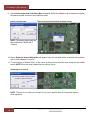
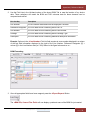
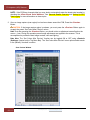
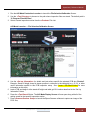
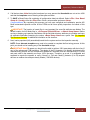
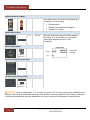
5. Once the Green Box matches the height and width (both pads) for the selected device. Press the
<Ok> button to move to the next device. Repeat this process for the next two devices.
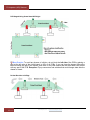
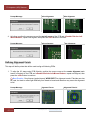
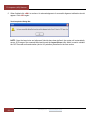
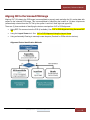
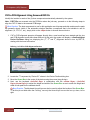
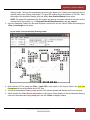
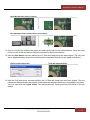
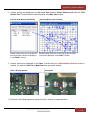
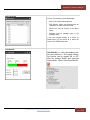
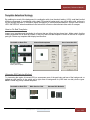
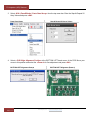
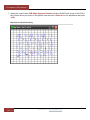
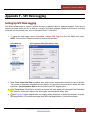
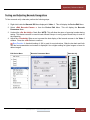
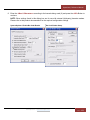
6. After the third device has been defined, the XY Data and image have now been aligned. The very next
device displayed begins the process of training device templates which are in turn added to the library.
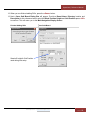
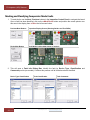
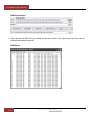
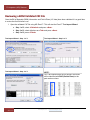
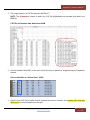
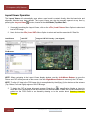
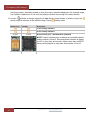
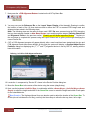
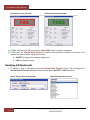
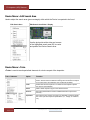
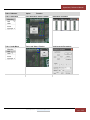
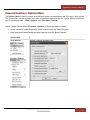
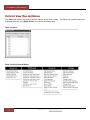
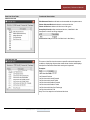
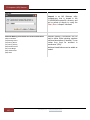
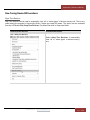
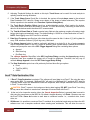
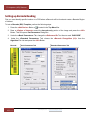
Device Position Dialog Box
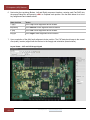
Third (#3) Alignment Point
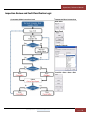
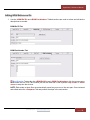
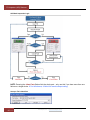
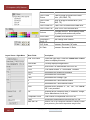
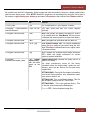
Best Practice: The selectable check boxes in the Device Positioning Dialog Box are used during
training to enable or disable specific inspection functions. These functions will be defined in the
following section.
FocalSpot, Inc. | www.FocalSpot.com
Page |
68