1
CHAPTER
USING THE COMMAND LINE INTERFACE
(CLI)
General
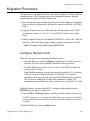
This chapter describes the use of the CLI for configuring and monitoring the
CDM-570/570L Modem Router in a Vipersat network. Each CLI screen related
to a CDM-570/570L operating in Vipersat mode is presented, along with a
detailed description of the available commands. For descriptions of all other
screens, refer to the CDM-570/570L Installation and Operation Manual.
Access to the CLI is provided through either the Console port (local, RS-232)
or the 10/100BaseT Ethernet Traffic port (Telnet, IP). Access via Telnet
requires login with password, Console access does not require login. The
screens presented in this document are as they appear when the CDM-570/570L
is accessed using Telnet.
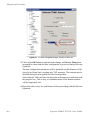
When a Telnet terminal connection is made, the CDM-570/570L responds with
a Login prompt. The factory defaults are:
Login: comtech
Password: comtech
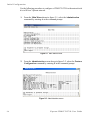
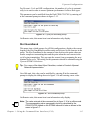
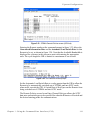
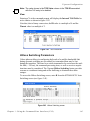
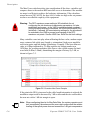
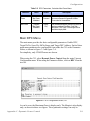
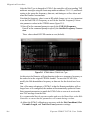
Once the operator has logged in, the Main Menu shown in figure 3-1 is
displayed.
C h ap t e r 3 - U s i n g t h e C o m m a n d L in e I n t e r f a c e ( C L I )
3-1