1
V i p e r s a t C o nf i g u r a t i o n
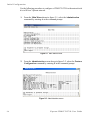
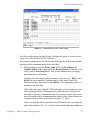
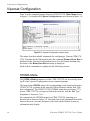
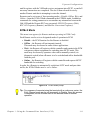
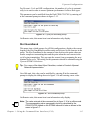
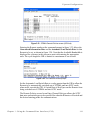
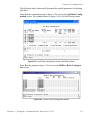
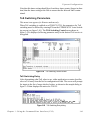
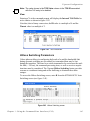
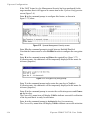
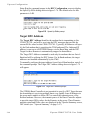
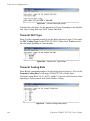
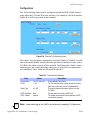
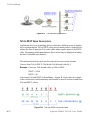
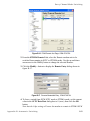
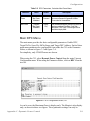
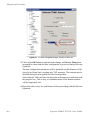
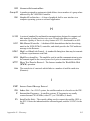
Figure 3-25 Entry Channel Switch Rates screen
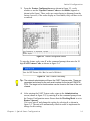
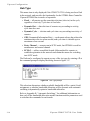
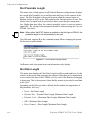
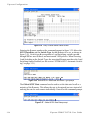
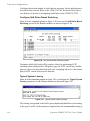
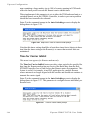
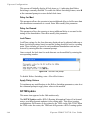
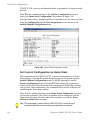
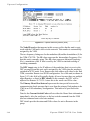
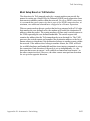
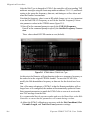
Entering the Remote number at the command prompt in figure 3-25 allows the
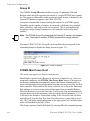
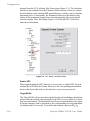
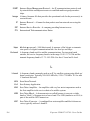
SCPC Data Rate and the Switch Type for that Remote to be set, as shown in
figure 3-26. Switch type 0 corresponds to Load Switching; switch types 64
through 255 are user-defined, and must match VMS policies. When choosing
Load Switching as the Switch Type, the associated Remote must have the Load
Switching feature Enabled (see the section “STDMA/SCPC Automatic Switching” on page 3-31).
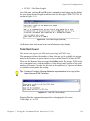
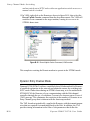
Figure 3-26 Remote SCPC Data Rate and Switch Type prompt
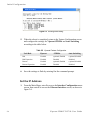
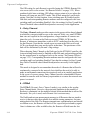
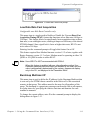
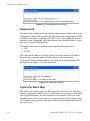
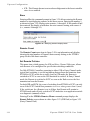
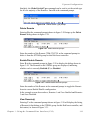
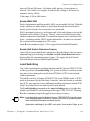
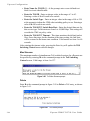
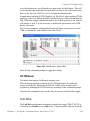
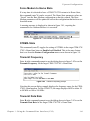
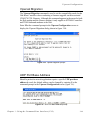
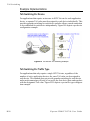
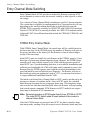
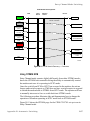
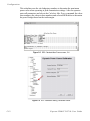
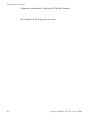
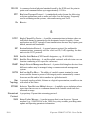
The Global SCPC Rate command can be used to set the data rate for all or a
majority of the Remotes. This allows the rate to be entered just once instead of
entering the rate for each remote individually. Enter G at the command prompt.
Figure 3-27 Global SCPC Data Rate prompt
3-24
Vipersat CDM-570/570L User Guide