1
Record Management
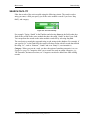
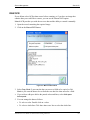
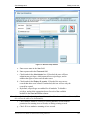
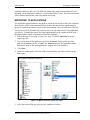
After the card is scanned
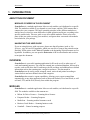
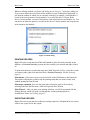
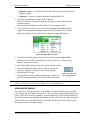
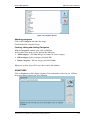
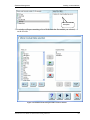
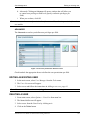
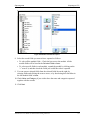
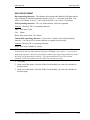
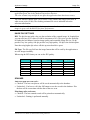
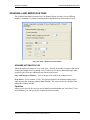
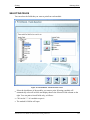
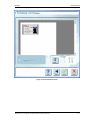
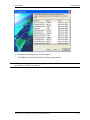
Figure 5-4: Categories window
Attaching categories
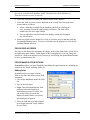
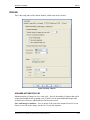
Click on the Categories tab under the image.
Check the desired categories boxes.
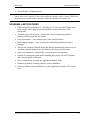
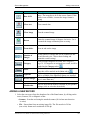
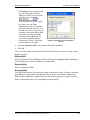
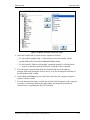
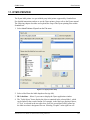
Creating, editing and deleting Categories
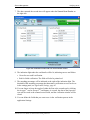
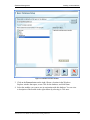
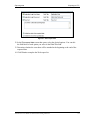
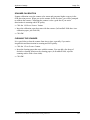
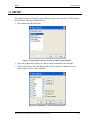
With the Categories window open, click on Edit List.
In the window that opens you can perform the following:
§ Add a category - click Add and type in a name for a new category
§ Edit a category Select a category and click Edit
§ Delete categories - Select a category and click Delete.
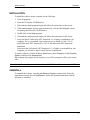
When you are done, press OK to save the record to the database.
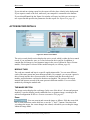
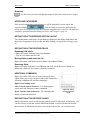
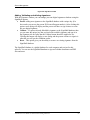
SIGNATURES
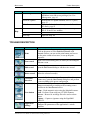
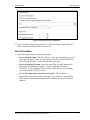
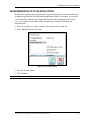
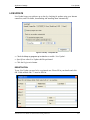
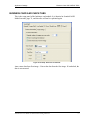
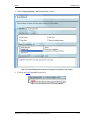
Click on Signature to add a digital signature of the card holder in this way you will have
the person digital signature for later validation.
Scanshell.net User Guide © 2005 Card Scanning Solutions
30