1
Application Settings
idScan
IDSCAN
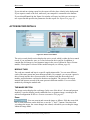
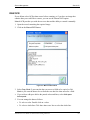
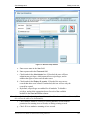
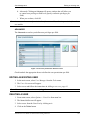
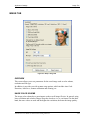
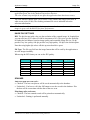
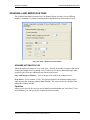
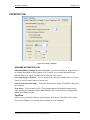
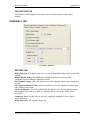
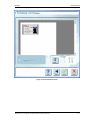
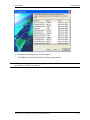
This is the setup panel of the idScan module, which scans driver licenses.
Figure 9-5: Setup – ID Scan
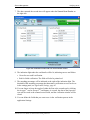
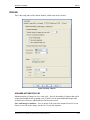
SCANNER AUTOMATION TAB
Maximal number of images in every scan cycle – Specify the number of images that can be
scanned and added in each scanning cycle. It allows you to insert additional images after
an initial scan, which are added and saved in the same record.
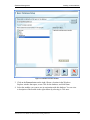
Save card image to database – Save an image of the card in the scanned record. You can
choose to save the entire image, just the face, or just the signature.
Scanshell.net User Guide © 2005 Card Scanning Solutions
69