1
Installation
2
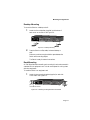
Align the bottom of the MII module with the rails on the
inside of the MII slot.
3
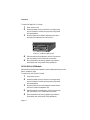
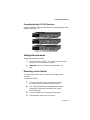
Slide the MII module into the MII slot until it stops, then
push the module in until it seats with the connector. See
Figure 2-7.
MII Module
Figure 2-7 Installing an MII module
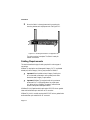
4
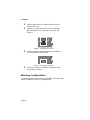
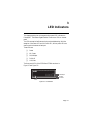
Screw the module into place by tightening the thumbscrew
on the module’s cover. See Figure 2-8.
MII Module
Figure 2-8 Securing an MII module
5
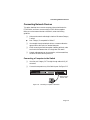
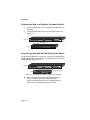
Connect the installed MII module to your network, following the instructions below.
Mounting Configurations
This section describes how to mount the FriendlyNET 7000 Series Gigabit
Switch on a desktop or install it in an equipment rack.
Page 2-6