1
Configuring RPMs
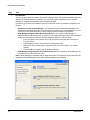
The Force10 Node Manager also enables you to perform these RPM configuration activities:
•
•
•
Configuring RPM Management Ports on page 52
Shutting Down RPM Ports on page 53
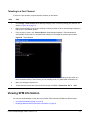
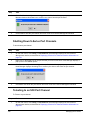
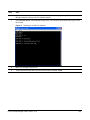
Telneting to an RPM on page 54
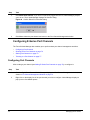
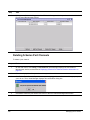
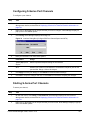
Configuring RPM Management Ports
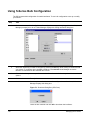
To configure the management port on an RPM:
Step
52
Icon
Task
1
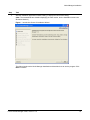
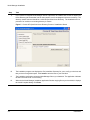
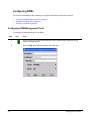
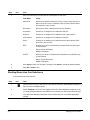
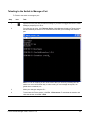
Right-click the icon for the RPM management port. Node Manager displays a pop-up
menu of available options.
2
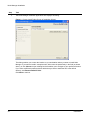
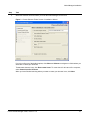
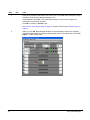
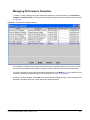
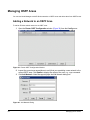
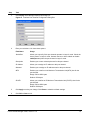
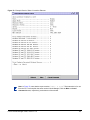
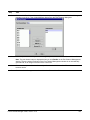
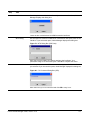
Select Config. Node Manager displays this dialog box:
Managing the E-Series