1
26
RSLinx – Training Guide
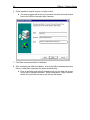
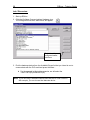
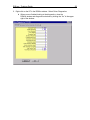
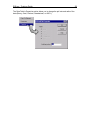
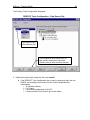
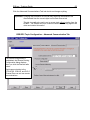
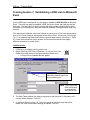
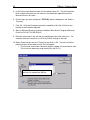
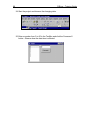
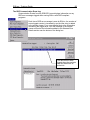
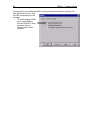
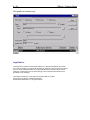
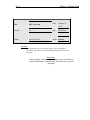
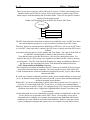
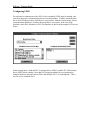
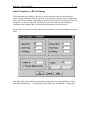
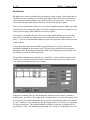
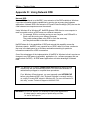
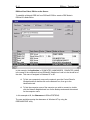
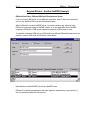
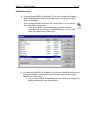
6. A new installation step will require a 10-digit number.
•
The setup program will not all you to proceed until after the serial number
found on the RSLinx activation disk is entered.
Enter 10-digit serial number here
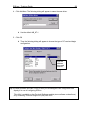
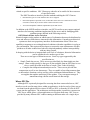
7. Click Next and proceed with the installation.
8. After completing the RSLinx installation, remove the RSLinx diskettes and store
them in a safe place, especially the master activation disk.
•
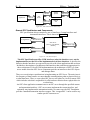
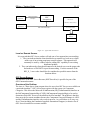
Even an activation disk with NO activations left on it can help you recover
from a lost or damaged activation. See the Help Menu / Copy Protection
section for instructions on how to use the key disk feature.