1
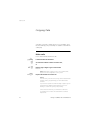
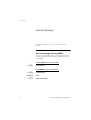
Paging (optional)
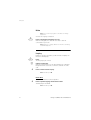
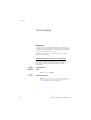
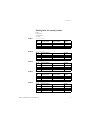
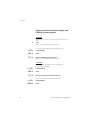
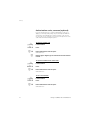
Paging receivers with voice message
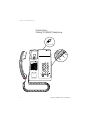
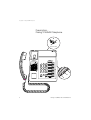
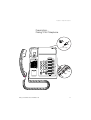
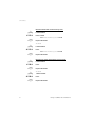
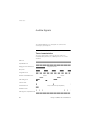
To initiate
7
u
*81*
z#
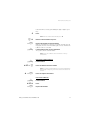
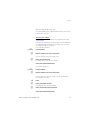
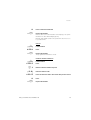
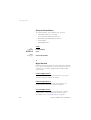
When there is no answer or a busy tone, keep the handset off
hook:
Press
Leave your message after the tone. Just before the predetermined
speech time is ended, a warning tone will be heard.
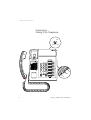
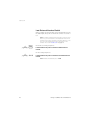
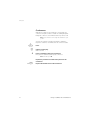
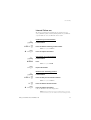
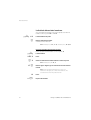
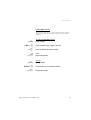
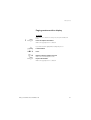
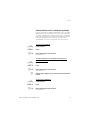
If you want to start Paging without calling the person:
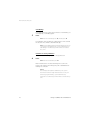
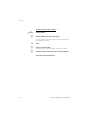
Lift the handset
Press
Dial the extension number and press
Leave your message after the tone. Just before the predetermined
speech time is ended, a warning tone will be heard.
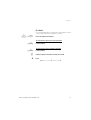
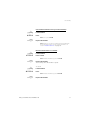
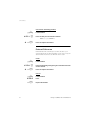
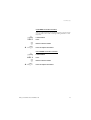
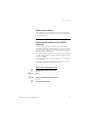
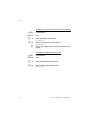
To answer
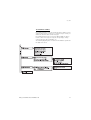
If your paging receiver has bothway voice connection, press the
answer button to speak. If no bothway connection exists, take the
appropriate action according to the message or answer the paging
in the same way as Paging without a voice message.
Dialog 3105MW/3145/3145MW/3146
69