1
During Calls
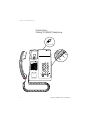
Conference
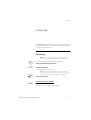
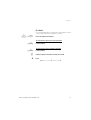
With this procedure you can include up to seven parties in a
conference. Only the conference leader can admit participants.
During the conference a tone will be heard every 15th second.
Note: The conference tone might be disabled for your
system.
y
z
3
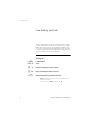
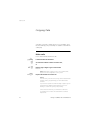
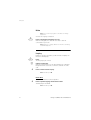
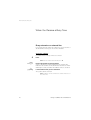
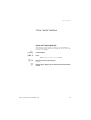
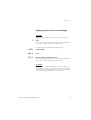
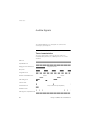
You have an ongoing conversation and want to establish a
telephone conference. You will become the conference leader.
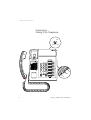
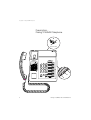
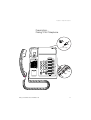
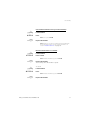
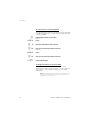
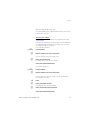
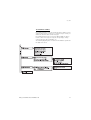
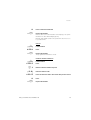
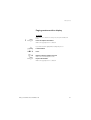
Press
Call the second party
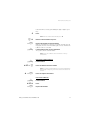
Wait for answer.
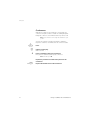
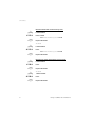
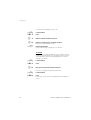
Press to establish a three party conference
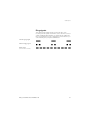
Now you have established a three party conference.
Note: Sweden press
d
24
R
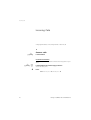
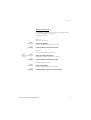
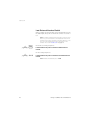
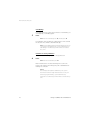
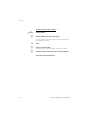
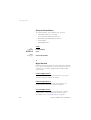
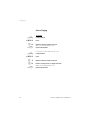
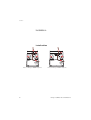
Repeat the procedure to include other persons to the
conference
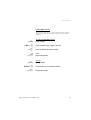
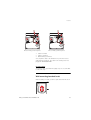
Replace the handset to leave the conference
Dialog 3105MW/3145/3145MW/3146