1
00&DPHUD0DQXDO23(5$7,1*7+(&$0(5$
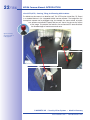
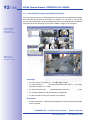
&HLOLQJ0RXQWHG6HW1RUWK8VHUGHıQHG1RUWK'LUHFWLRQ
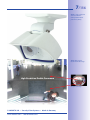
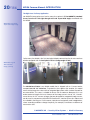
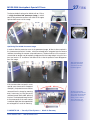
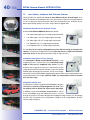
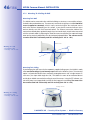
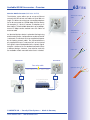
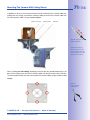
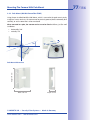
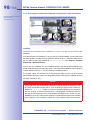
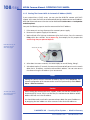
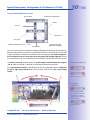
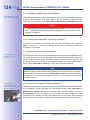
If the camera has been mounted to a ceiling, the M24M should be set to "North." This is not
the "real" direction of North but rather the PDLQOLQHRIVLJKWRUWKHIRFXV of the camera. It
serves as a reference for the North direction in the 6XUURXQG and 'RXEOH3DQRUDPD
display modes (you have already selected the &HLOLQJ option in the ,QVWDOODWLRQ7\SH
Quick Control).
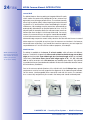
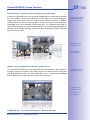
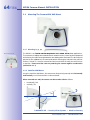
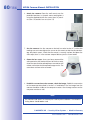
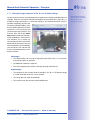
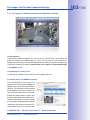
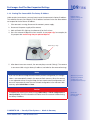
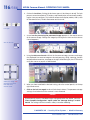
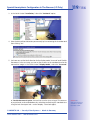
1. In the Quick Control 'LVSOD\0RGH select the 1RUPDORSWLRQ.
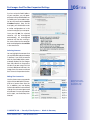
For vPTZ use
DQGWKHFRQÀJXUDWLRQ
of a USB joystick,
see Section 3.3
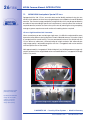
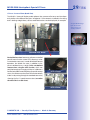
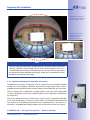
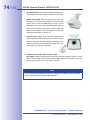
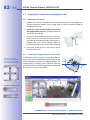
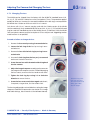
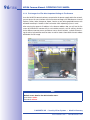
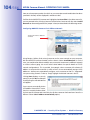
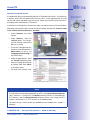
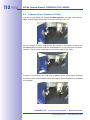
2. 5RWDWHWKHOLYHLPDJH in the desired direction using the mouse or a joystick connected
to the computer.
Y37=
ũ02%27,;$*š6HFXULW\9LVLRQ6\VWHPVš0DGHLQ*HUPDQ\
ZZZPRERWL[FRPšVDOHV#PRERWL[FRP