1
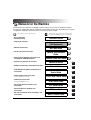
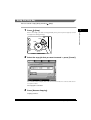
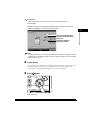
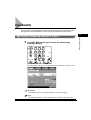
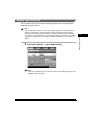
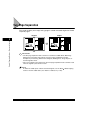
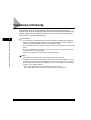
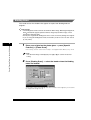
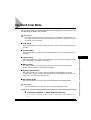
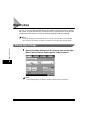
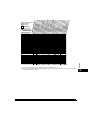
Changing the Copy Quantity
1
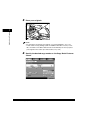
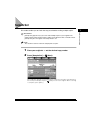
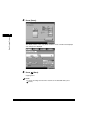
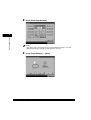
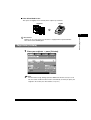
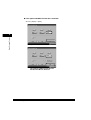
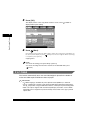
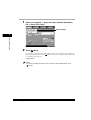
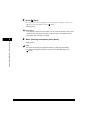
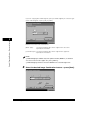
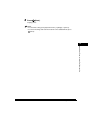
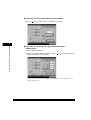
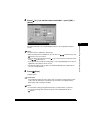
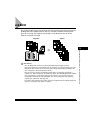
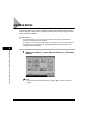
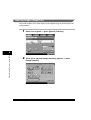
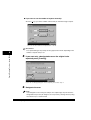
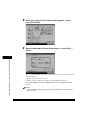
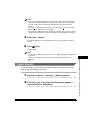
Press
PRS
(Clear) to clear the entered number.
8
7
Counter Check
WXY
TUV
Stop
9
Start
OPER
0
2
Basic Copying Features
st
Clear
Processing/Data
2
Error
Powe
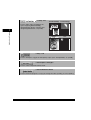
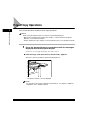
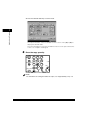
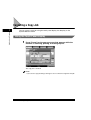
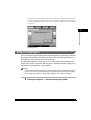
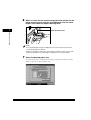
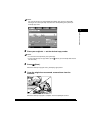
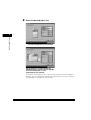
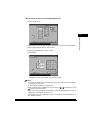
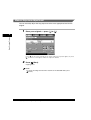
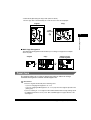
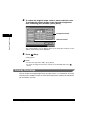
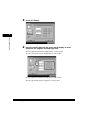
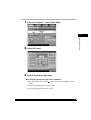
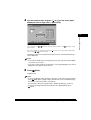
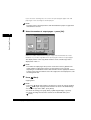
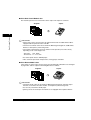
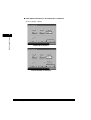
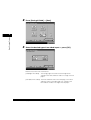
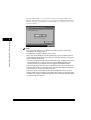
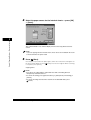
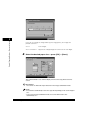
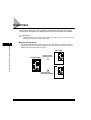
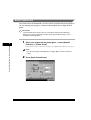
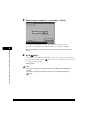
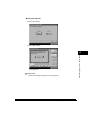
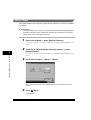
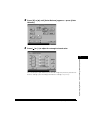
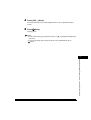
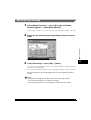
Press
(numeric keys) to enter the desired copy
quantity (1 to 999).
ABC
1
Help
GHI
DEF
2
MNO
JKL
5
4
Additional Functions PRS
3
8
7
6
Counte
WXY
TUV
S
9
Start
OPER
0
Display Contrast
Clear
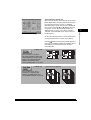
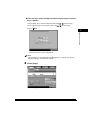
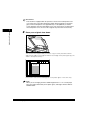
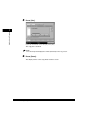
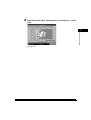
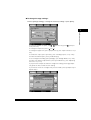
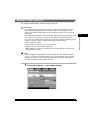
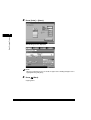
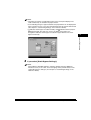
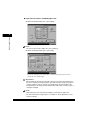
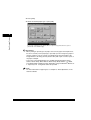
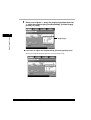
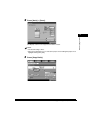
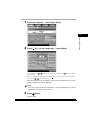
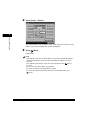
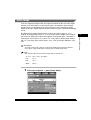
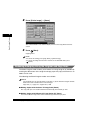
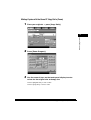
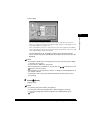
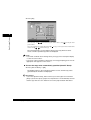
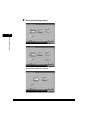
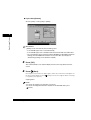
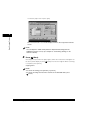
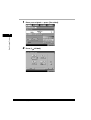
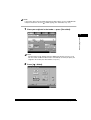
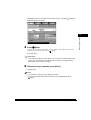
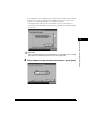
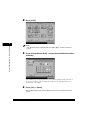
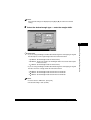
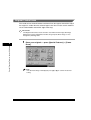
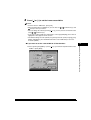
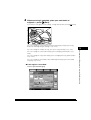
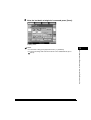
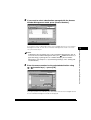
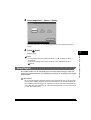
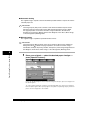
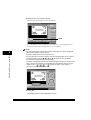
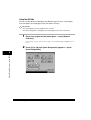
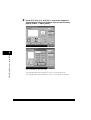
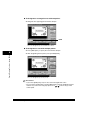
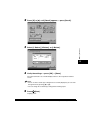
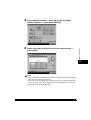
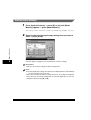
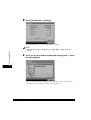
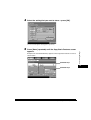
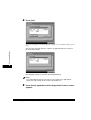
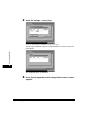
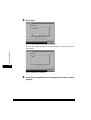
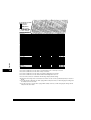
The copy quantity appears on the right side of the Copy Basic Features screen.
2-4
Copy Quantity