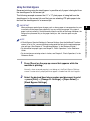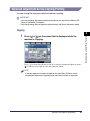
1
3
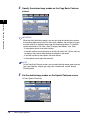
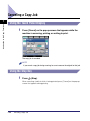
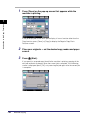
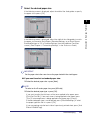
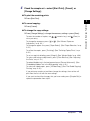
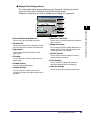
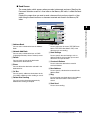
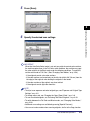
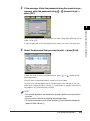
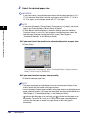
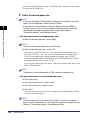
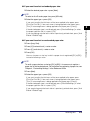
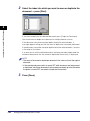
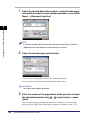
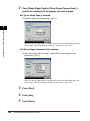
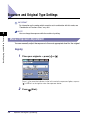
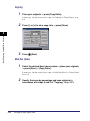
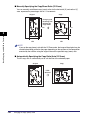
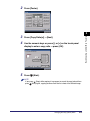
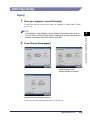
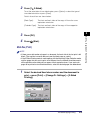
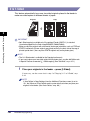
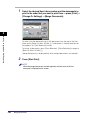
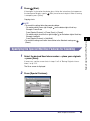
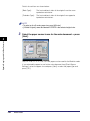
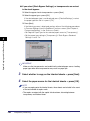
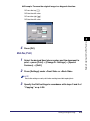
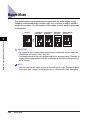
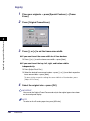
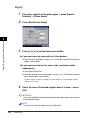
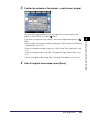
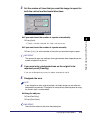
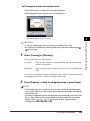
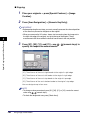
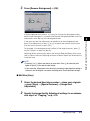
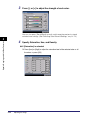
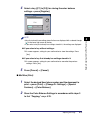
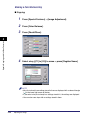
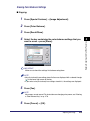
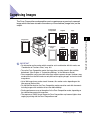
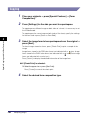
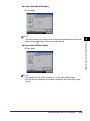
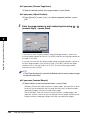
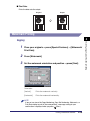
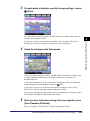
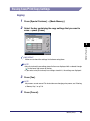
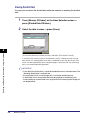
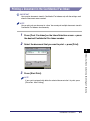
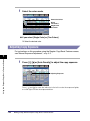
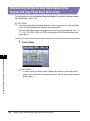
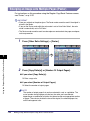
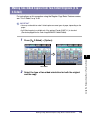
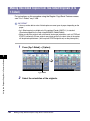
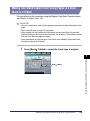
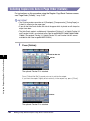
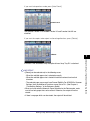
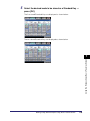
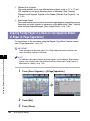
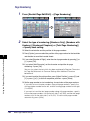
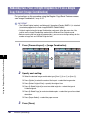
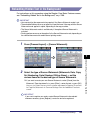
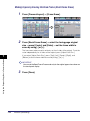
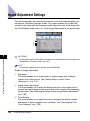
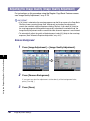
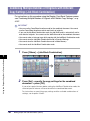
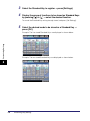
Specify the desired copy ratios.
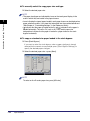
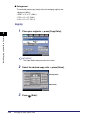
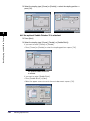
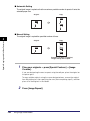
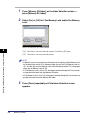
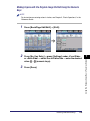
● To manually specify the copy ratios (XY Zoom):
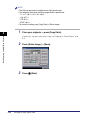
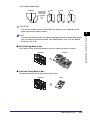
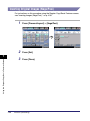
❑ Press [X] (horizontal axis) ➞ enter a value.
❑ Press [Y] (vertical axis) ➞ enter a value.
❑ Press [OK].
Basic Copying and Mail Box Features
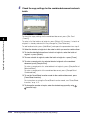
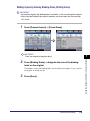
3
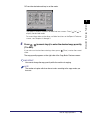
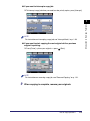
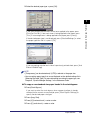
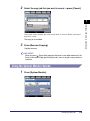
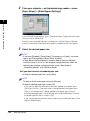
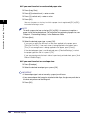
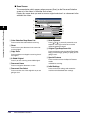
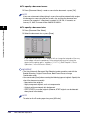
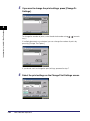
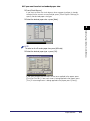
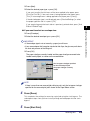
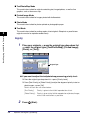
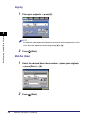
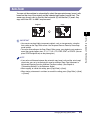
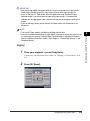
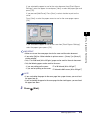
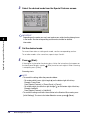
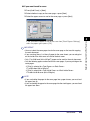
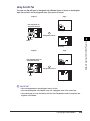
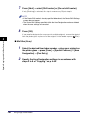
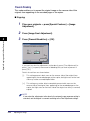
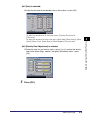
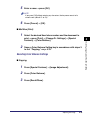
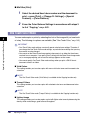
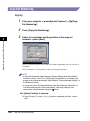
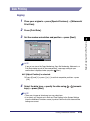
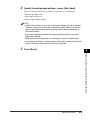
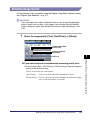
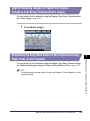
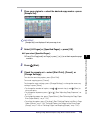
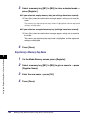
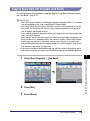
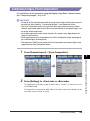
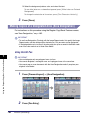
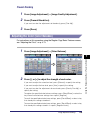
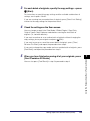
● To have the copy ratios automatically specified (Auto XY Zoom):
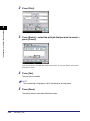
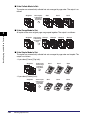
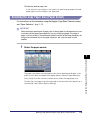
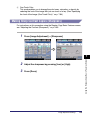
❑ Press [Auto XY Zoom] ➞ [OK].
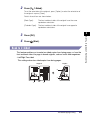
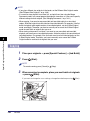
4
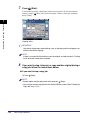
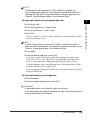
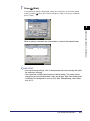
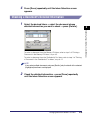
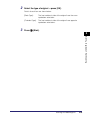
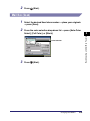
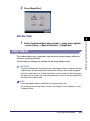
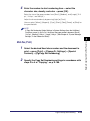
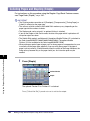
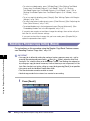
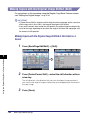
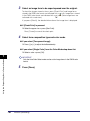
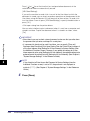
Press
(Start).
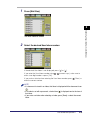
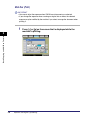
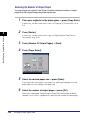
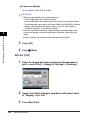
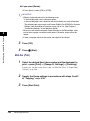
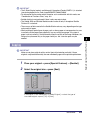
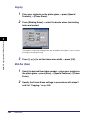
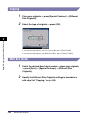
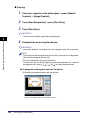
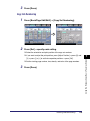
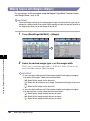
Mail Box (Scan)
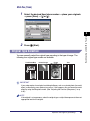
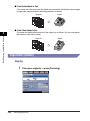
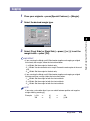
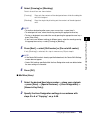
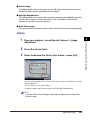
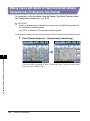
1
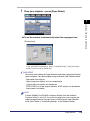
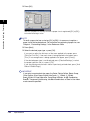
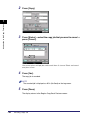
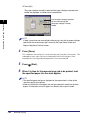
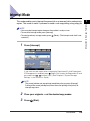
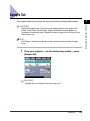
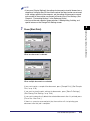
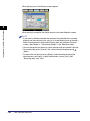
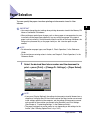
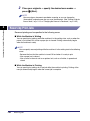
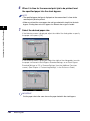
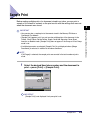
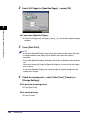
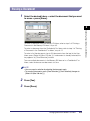
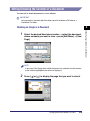
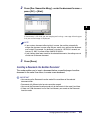
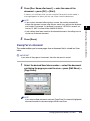
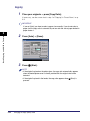
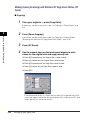
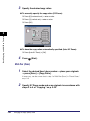
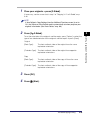
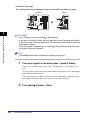
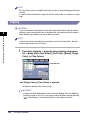
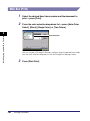
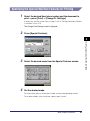
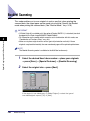
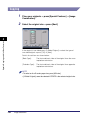
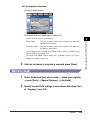
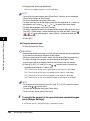
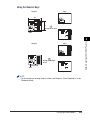
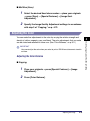
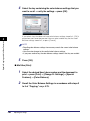
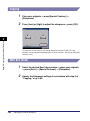
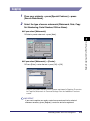
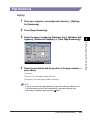
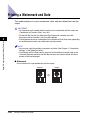
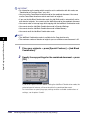
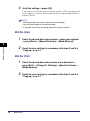
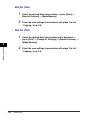
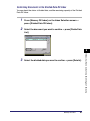
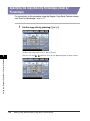
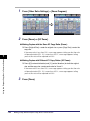
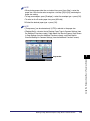
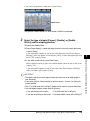
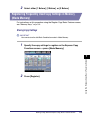
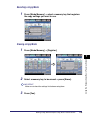
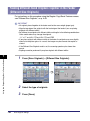
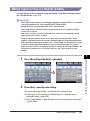
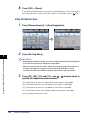
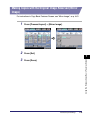
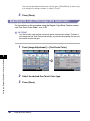
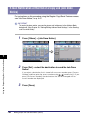
Select the desired User Inbox number ➞ place your originals
➞ press [Scan] ➞ [Copy Ratio].
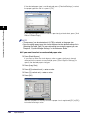
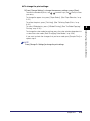
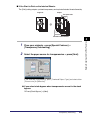
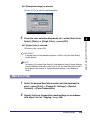
If necessary, see the screen shot in step 1 of "Mail Box (Scan)" in "Preset Zoom,"
on p. 3-9.
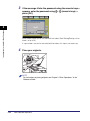
2
3-24
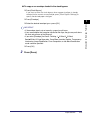
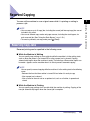
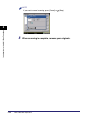
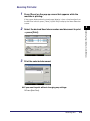
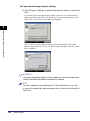
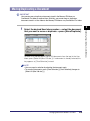
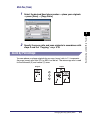
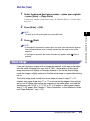
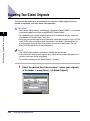
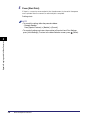
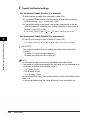
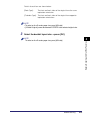
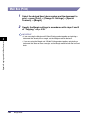
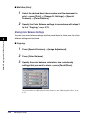
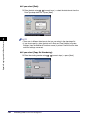
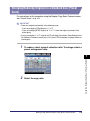
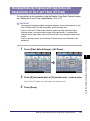
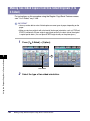
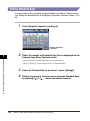
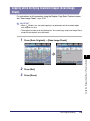
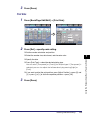
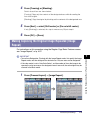
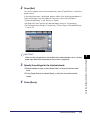
Specify XY Zoom mode and scan originals in accordance with
steps 2 to 4 of "Copying," on p. 3-23.
Changing the Copy (Zoom) Ratio