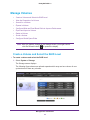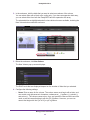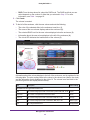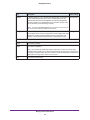
1
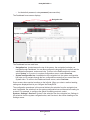
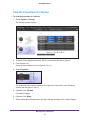
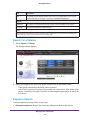
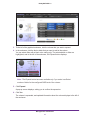
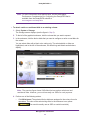
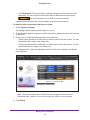
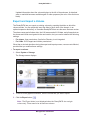
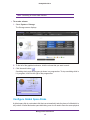
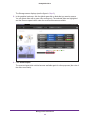
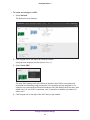
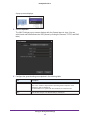
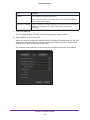
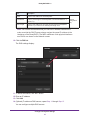
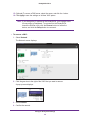
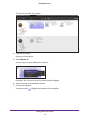
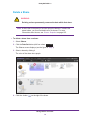
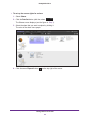
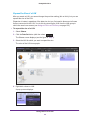
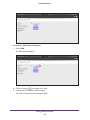
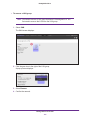
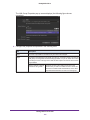
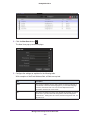
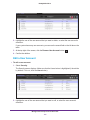
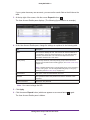
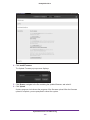
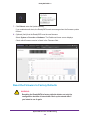
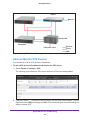
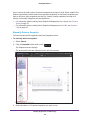
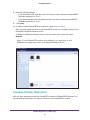
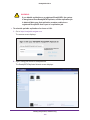
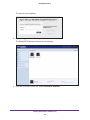
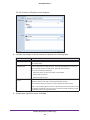
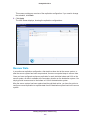
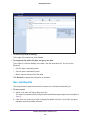
ReadyDATA OS 1.3 way to reduce the total number of historical snapshots per share or LUN. When enabled, this feature automatically deletes older hourly and daily snapshots so that hourly snapshots are kept for 48 hours, daily snapshots are kept for 4 weeks, weekly snapshots are kept for 8 weeks, and monthly snapshots are kept indefinitely. • For information about enabling Smart Snapshot Management for a share, see Create a Share on page 70. • For information about enabling Smart Snapshot Management for a LUN, see Create a LUN on page 92. Manually Delete a Snapshot You can manually delete snapshots from the Snapshots screen. To manually delete a snapshot: 1. Select Shares. 2. Click the Snapshot button (with a clock, ). The Snapshot screen displays. The shares and LUNs are displayed on the left of the screen. 3. Select the share or LUN whose snapshots you want to view. Backup, Replication, and Recovery 169