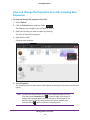
1
ReadyDATA OS 1.3
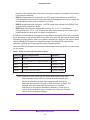
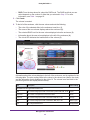
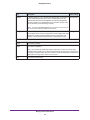
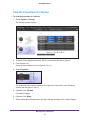
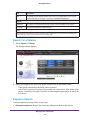
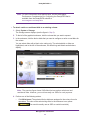
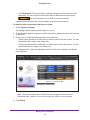
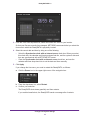
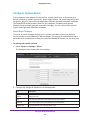
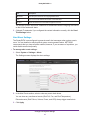
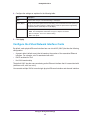
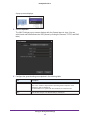
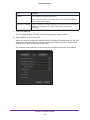
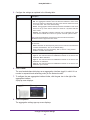
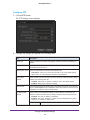
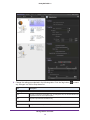
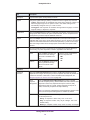
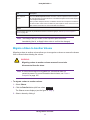
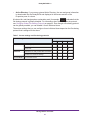
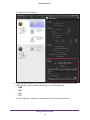
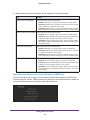
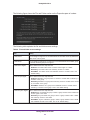
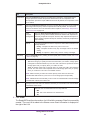
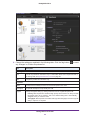
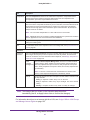
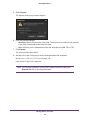
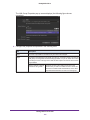
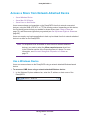
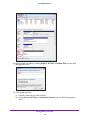
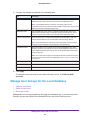
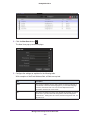
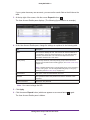
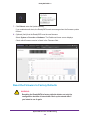
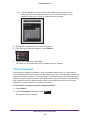
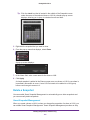
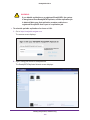
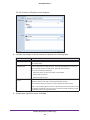
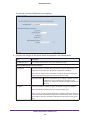
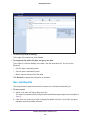
2. Make selections from the drop-down lists as explained in the following table:
Item
Settings
Folder Creation Group Rights
Make a selection from the drop-down list:
• Disabled. Members of a group cannot create or delete folders.
• Read-Only. Members of a group have read-only access to a folder
that is created by a member of the group.
• Read/Write. Members of a group have read/write access to a folder
that is created by a member of the group. This is the default setting.
Folder Creation Everyone Rights Make a selection from the drop-down list:
• Disabled. No one outside a group can create or delete folders.
• Read-Only. Anyone outside the group in which a group member has
created a folder has read-only access to the new folder.
• Read/Write. Anyone outside the group in which a group member
has created a folder has read/write access to the new folder. This is
the default setting.
File Creation Group Rights
Make a selection from the drop-down list:
• Disabled. Members of a group cannot create or delete files.
• Read-Only. Members of a group have read-only access to a file that
is created by a member of the group.
• Read/Write. Members of a group have read/write access to a file
that is created by a member of the group. This is the default setting.
File Creation Everyone Rights
Make a selection from the drop-down list:
• Disabled. No one outside a group can create or delete files.
• Read-Only. Anyone outside the group in which a group member has
created a file has read-only access to the new file.
• Read/Write. Anyone outside the group in which a group member
has created a file has read/write access to the new file. This is the
default setting.
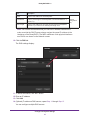
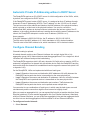
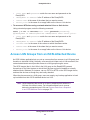
Miscellaneous Advanced Access Settings for SMB Only
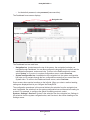
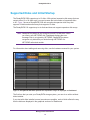
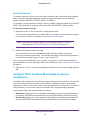
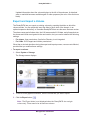
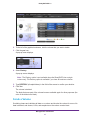
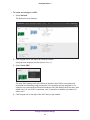
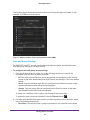
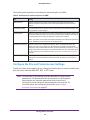
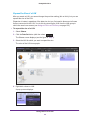
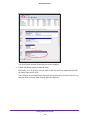
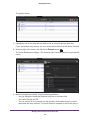
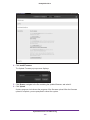
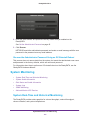
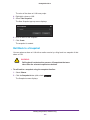
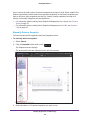
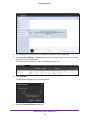
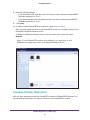
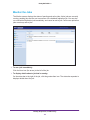
The following figure shows the top of the Advanced section that is specific to SMB on the
Properties pane of a share. SMB supports these settings for an individual share in addition to
the general advanced access settings for the individual share.
Manage Shares and LUNs
88