1
Virtual Weather Station User's Guide
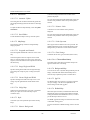
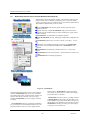
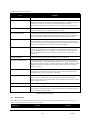
P1. Parameter 1 as defined in the smart forecast section.
P2. Parameter 2 as defined in the smart forecast section.
Condition. (AND) or (OR). Specify the condition required
for forecast to be active.
For example, if Parameter 1 and Parameter 2 are TRUE,
select P1 AND P2.
Value. The value compared against the parameter.
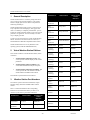
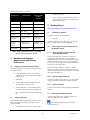
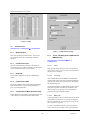
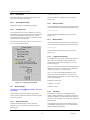
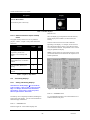
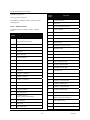
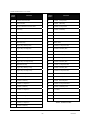
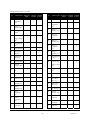
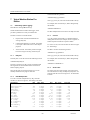
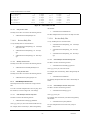
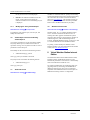
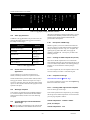
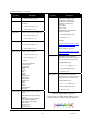
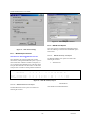
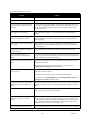
Figure 27 - Icon Settings
6.24
Forecast. The forecast if the condition is met.
Smart Forecast
ON. The condition is met if the LED is red.
Menu Shortcut: Settings X Smart Forecast
The Smart Forecast option allows you to display current
weather conditions based on your own prediction. For
example, if the rate of change of pressure is increasing
rapidly, the weather is generally clearing. If the rate of
change of rainfall is increasing, light rain, rain or heavy
rain can be displayed. Fog or mist can be displayed based
on temperature and humidity.
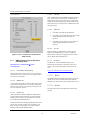
6.24.1
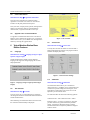
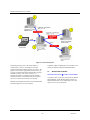
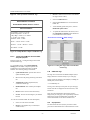
Smart Forecast Settings
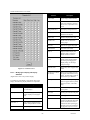
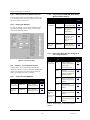
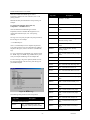
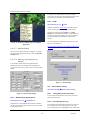
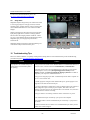
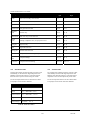
Priority. The Smart Forecast is prioritized based on the
Priority number, where 1 has the highest priority. Boolean
settings have priority over the individual settings.
Active. Activate the smart forecast.
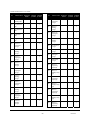
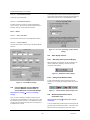
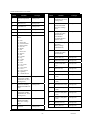
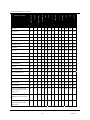
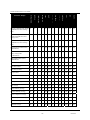
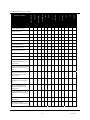
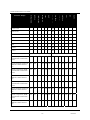
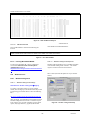
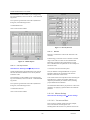
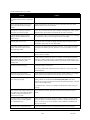
Figure 28 - Smart Forecast Settings
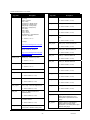
Parameter. Specify the forecast parameter
6.25
Alarms
Condition. Greater than (>) or less than (<). Specify the
condition required for forecast to be active.
Menu Shortcut: Settings X Alarms
Value. The value compared against the parameter.
NOTE: You must have a properly functioning sound card
for this feature to work.
Forecast. The forecast if the condition is met.
ON. The condition is met if the LED is red.
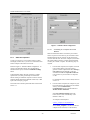
6.24.2
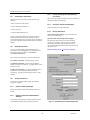
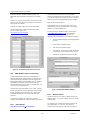
Boolean Settings
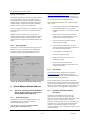
Boolean settings allow you to set conditions based on
multiple parameters defined in the Smart Forecast section.
Note that the Smart Forecast parameters need not be active
to be used in the Boolean Settings.
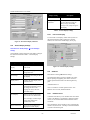
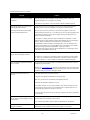
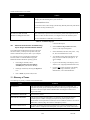
You can program Virtual Weather Station to play a wav
sound, launch an executable or send an EMail when a
specific alarm condition occurs. For example, play a wind
chime when the wind speed limit is exceeded, a lightning
sound when the rain rate is exceeded, or a bird chirp when
the temperature is high enough to open windows in the
house. In addition, you can run an executable or batch file
when a condition is exceeded.
6.25.1
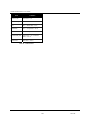
Priority. The smart forecast is prioritized based on the
Priority number, where 1 has the highest priority. Boolean
settings have priority over the individual settings.
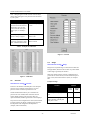
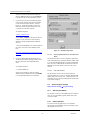
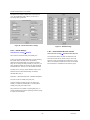
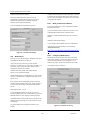
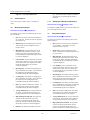
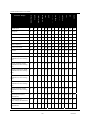
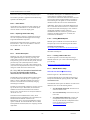
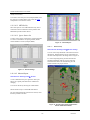
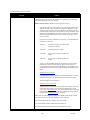
Alarm Settings
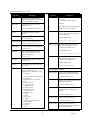
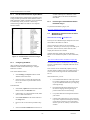
Parameter. Specify the alarm parameter
Condition. Specify the condition required for the alarm to
sound.
Active. Activate the boolean forecast.
-44-
06/19/09