1
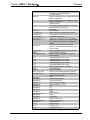
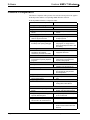
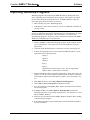
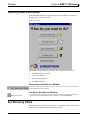
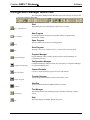
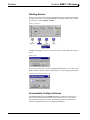
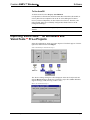
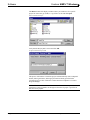
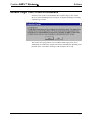
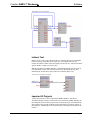
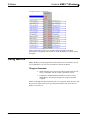
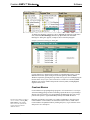
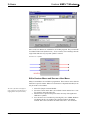
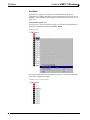
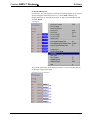
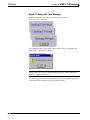
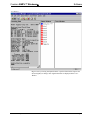
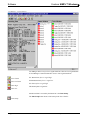
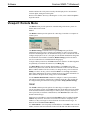
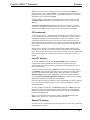
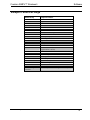
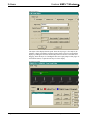
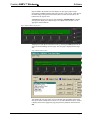
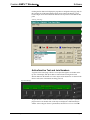
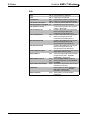
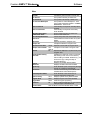
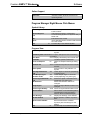
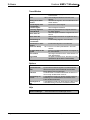
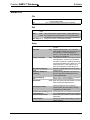
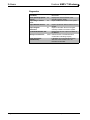
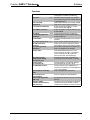
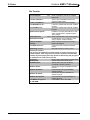
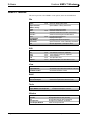
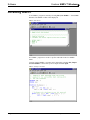
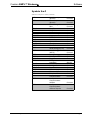
Software Crestron SIMPL™ Windows Program Manager Button Bar The Program Manager Button Bar provides powerful commands. Program Manager Button Bar Start Start – QuickAccess Window The lightning bolt icon will display the “QuickAccess" window. New Program New Program New Program button will begin new programs with the “Program Header Information" window. Open Program Open The open folder icon will open an existing program. Save Program Save The floppy disc icon is a shortcut for save. It will save the current program. Print Print The printer icon will print the contents of the active view. Print Preview Print Preview Print Preview allows you to preview the contents of the active view. Cut Cut Cuts a selection (equivalent to Ctrl+X). Copy Copy Copies a selection (equivalent to Ctrl+C). Paste Paste Pastes a selection (equivalent to Ctrl+V). Program Manager Program Manager (active) This button switches current program to Program Manager for programming activities. Configuration Manager Configuration Manager 50 • Crestron SIMPL Windows Configuration Manager button switches current program to Configuration Manager for system building activities. Installation & Operations Guide –DOC. 5728C