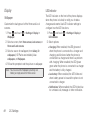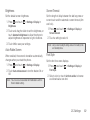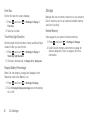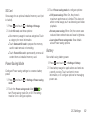
1
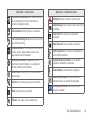
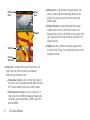
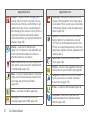
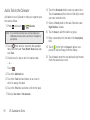
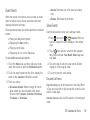
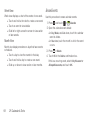
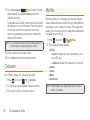
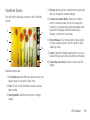
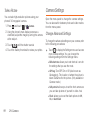
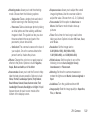
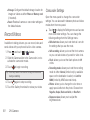
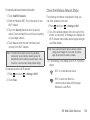
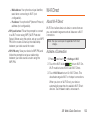
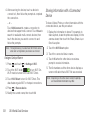
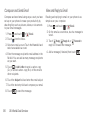
Turning Your Device On and Off The Display Turning the Device On Your device’s display screen provides information about your device’s status and options. This list identifies the symbols you’ll see on your device’s display screen: 1. Press and hold until the phone switches on. 2. Sweep your finger across the screen to unlock the phone. Turning the Device Off 1. Press and hold until the Device options screen displays. 2. Touch Power off to switch off the phone. 3. At the Power off prompt, touch OK. Status Bar – Status Icons Signal Strength: Shows your current signal strength. (More bars = stronger signal.) Battery Strength: Shows your current battery charge level. (Icon shown is fully charged.) Battery Charging: Shows your current battery charge level and indicates it is charging. Battery Critical: Shows your current battery charge level requires attention and your device will soon shut off. Wi-Fi Connected: Wi-Fi is connected, active and communicating with a Wireless Access Point (WAP). 13 2A. Device Basics