1
all.book
Page 64 Tuesday, August 3, 2004
11:08 AM
Sending a Fax by Automatic Dialling
Using an auto-dial number
Once you have stored a fax or phone number, you can use it to send a fax or
make a phone call.
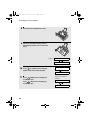
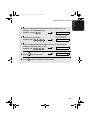
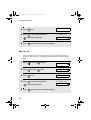
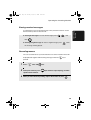
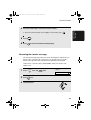
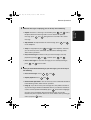
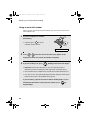
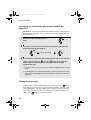
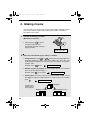
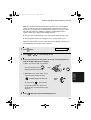
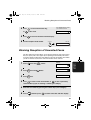
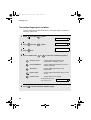
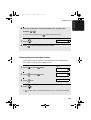
1
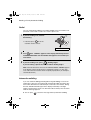
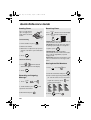
If you are sending a fax, load the
document(s).
• If desired, press
to set the
resolution and/or contrast.
RESO.
READY TO SEND
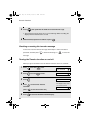
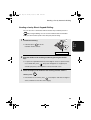
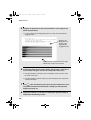
2
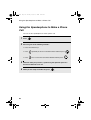
Press
(or
) until the name of the other party appears in the
display (if no name was stored, the number will appear).
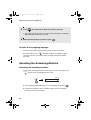
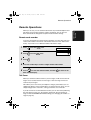
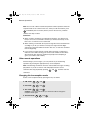
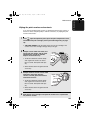
3
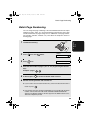
If you are sending a fax, press
START/
MEMORY
. Dialling and transmission begins.
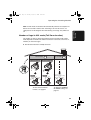
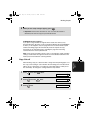
• Important: Remove the document as soon as it exits the machine.
Otherwise, ink from received faxes and copies may soil the document.
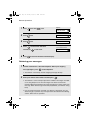
• If the transmission is completed successfully, the machine will beep once.
• If an error occurs, the machine will beep three times and print a Transaction
Report to inform you of the problem (see page 95).
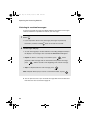
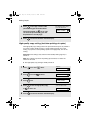
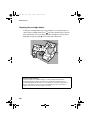
If you are making a phone call, lift the handset. Dialling begins. (If you
lifted the handset before searching for the number, press
begin dialling.)
64
START/
MEMORY
to