1
all.book
Page 60 Tuesday, August 3, 2004
11:08 AM
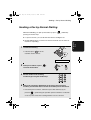
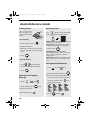
Sending a Fax by Automatic Dialling
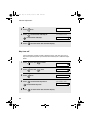
5
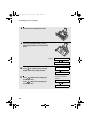
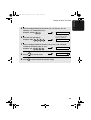
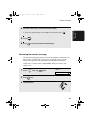
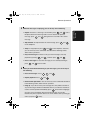
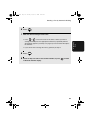
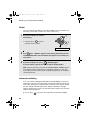
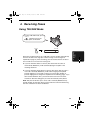
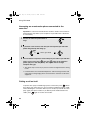
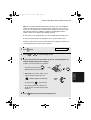
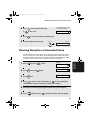
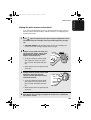
When you hear the fax tone, press
START/
MEMORY
. Replace the handset if you
used it.
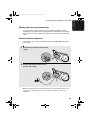
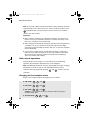
• Important: Remove the document as soon as it exits the machine.
Otherwise, ink from received faxes and copies may soil the document.
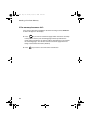
• If the transmission is completed successfully, the machine will beep once.
• If an error occurs, the machine will beep three times and print a Transaction
Report to inform you of the problem (see page 95).
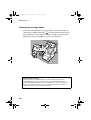
Note: If the transmission is unsuccessful and DOCUMENT JAMMED appears
in the display, remove the document as explained on page 112. (This may
occur if the other fax machine doesn’t respond properly when you attempt to
send the document.)
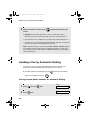
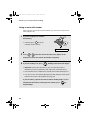
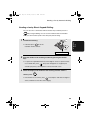
Sending a Fax by Automatic Dialling
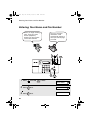
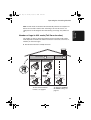
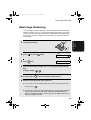
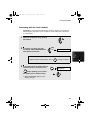
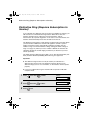
You can store your most frequently dialled fax or phone numbers in the
machine for automatic dialling. Up to 30 numbers can be stored.
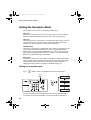
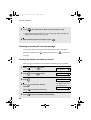
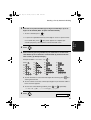
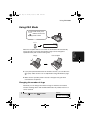
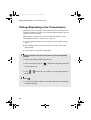
♦ Auto-dial numbers are dialled by pressing
appears in the display, and then
START/
MEMORY
until the desired number
.
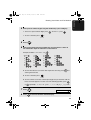
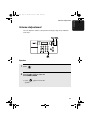
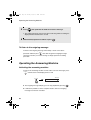
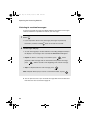
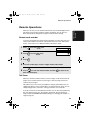
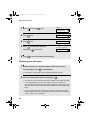
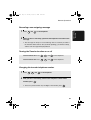
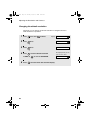
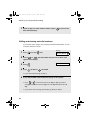
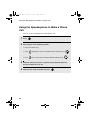
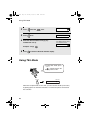
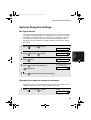
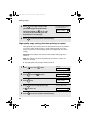
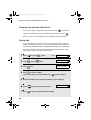
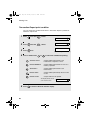
Storing fax and phone numbers for automatic dialling
Display:
60
1
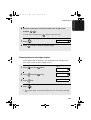
Press
once and
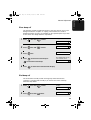
2
Press
once.
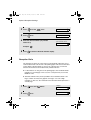
once.
<NEW NUMBER>
ENTER FAX #