1
Comfort Installation Manual
SECTION 6
ENGINEER MENU
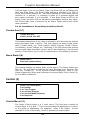
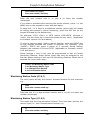
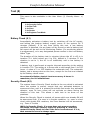
Engineer Menu
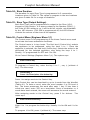
Press 1 for Zone
2 for Alarm
3 for Control
4 for Security
5 for Event Log
6 to Change Sign-in code
7 for System
8 for Test
9 for Program Menu
(Entering Eng Code will perform
Engineer Reset - UK Only)
Press # to End
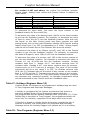
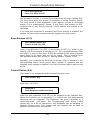
Zone(1)
Enter Zone Number and # key
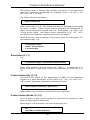
Each zone can be programmed for Description (words), Zone Type,
Entry Path, Zone On Response, Zone Off Response. System says the
current settings for the zone selected. Valid Zone numbers are 1 to 16
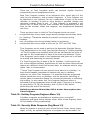
When the zone number and # key are entered, the following menu is
played e.g.
Zone 2, Bedroom window
Zone Type 2, Entry Path Off,
Zone Response 0, OFF Response 0
Press 1 for Description,
2 for Zone Type,
3 for Entry Path
5 for Zone Response
6 for Off Response
(
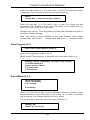
In programming the above settings and all settings in general,
the currently programmed setting is announced. The new
setting can be entered followed by the # key. If a Yes or No
response is required, press 1 for ON and 0 for OFF - # is NOT
required. If the current setting is not to be changed just press
#.
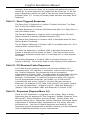
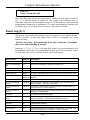
Zone Description (1,1)
(zone description) Enter Word number and # key
102