1
LightCue Manager
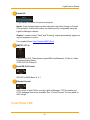
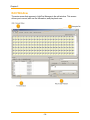
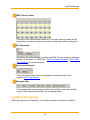
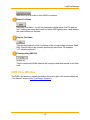
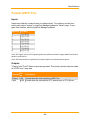
Open the Cue in an editor to view DMX file contents.
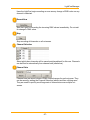
Delete Cue Name
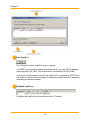
Delete the Cue Name. You will be prompted to delete actual Cue File data as
well. Deleting the name alone does not delete DMX lighting data. It only deletes
the name reference to the data.
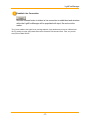
Play the Cue Name
This will start playback of the Cue Name on the corresponding universes. Each
DMX File will play on the universe specified by the column. For example,
"U1" indicates universe 1.
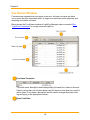
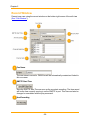
Corresponding DMX File
This file contains the DMX data that will be played back and resides on the flash
card.
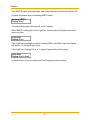
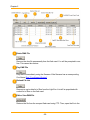
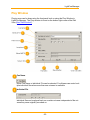
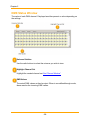
DMX Files Window
The DMX Files window is usually located on the bottom right of the screen behind the
"Cue Names" window (See "Cue Names Window").
- 19 -