1
Moxa E Series Managed Ethernet Switch
Featured Functions
Port
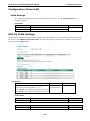
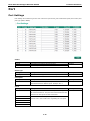
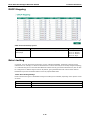
Port Settings
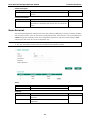
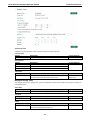
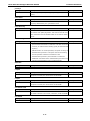
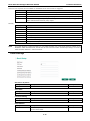
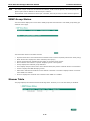
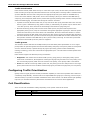
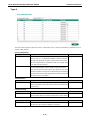
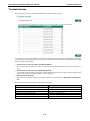
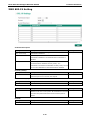
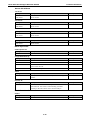
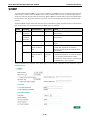
Port settings are included to give the user control over port access, port transmission speed, flow control, and
port type (MDI or MDIX).
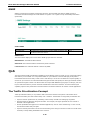
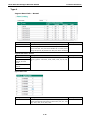
Enable
Setting
Description
Factory Default
Checked
Allows data transmission through the port.
Enabled
Unchecked
Immediately shuts off port access.
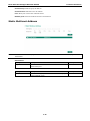
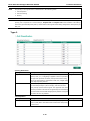
Media Type
Setting
Description
Factory Default
Media type
Displays the media type for each module’s port
N/A
Setting
Description
Factory Default
Max. 63 characters
Specifies an alias for the port to help administrators
None
Description
differentiate between different ports. Example: PLC 1
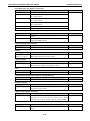
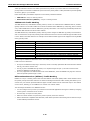
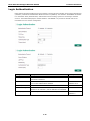
Speed
Setting
Description
Factory Default
Auto
Allows the port to use the IEEE 802.3u protocol to negotiate
Auto
with connected devices. The port and connected devices will
determine the best speed for that connection.
1G-Full
Choose one of these fixed speed options if the connected
100M-Full
Ethernet device has trouble auto-negotiating for line speed.
100M-Half
10M-Full
10M-Half
3-29