1
2)
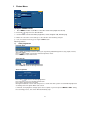
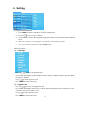
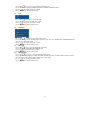
Manual config. (This is for VGA input only)
Press V+/
to access the Manual config item
Press P -/P+ to choose phase, Clock, H-position, V-position items
Press V-/V+ to adjust picture’s horizontal position and vertical position
to return previous menu
Press
Press MENU to return main menu
3)
4)
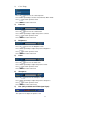
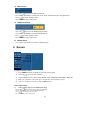
VGA Mode (This is for VGA input only)
This is for PC mode t o select an optimal VGA resolution from 600x480, 640x400, 720x400
XGA Mode (This is for VGA input only)
This is for PC mode to select an optimal XGA resolution from 1024x768, 1280x768,
1360x768
5)
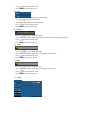
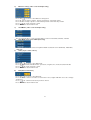
ARC (aspect ratio choice)
Press V+/
to access the ARC item
Press P-/P+ to Switch between the spectacle, original, 4:3,16:9,14:9,Zoom mode
Press
to return previous menu.
Press MENU to return main menu
6)
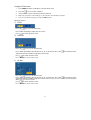
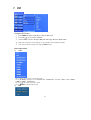
NR (Noise reduction)
Press V+/
to access the NR item
Press V-/V+ t o choose a value to reduce the noise, higher NR will cause less image
sharpness.
Press
to confirm and return previous menu.
Press MENU to return main menu
21