1
4
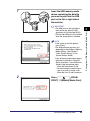
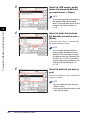
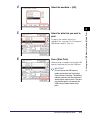
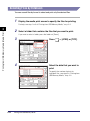
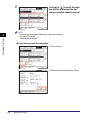
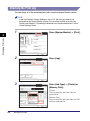
Select the end date ➞ [OK].
5
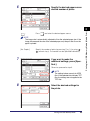
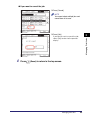
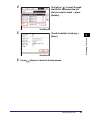
Select the data that you want to
print.
To specify the number of prints for
individual files, see step 6 in “Printing from
USB Memory Media,” on p. 2-2.
6
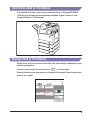
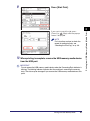
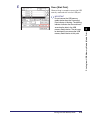
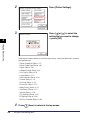
Press [Start Print].
When printing is complete, remove the USB
memory media device from the USB port.
IMPORTANT
Do not remove the USB memory
media device when the Processing/
Data indicator is blinking. The blinking
indicator indicates that the machine is
accessing the memory data. The data
may be damaged if you remove the
USB memory media device at this
point.
Printing from USB Memory Media
2-11
Printing from USB Memory Media (Media Print)
2